Three shapes to know
Instagram feed posts look best at 4:5, a slightly tall rectangle that fills more of the phone screen than a square. Square 1:1 posts still work everywhere. Reels, Stories and Reel covers are 9:16, the full height of a phone.
Our platform presets use 1080 × 1350 pixels for a 4:5 post, 1080 × 1080 for a square and 1080 × 1920 for Reels. Image tools rarely make 4:5 directly, so generate a 1:1 or 9:16 picture and crop it to 4:5 with the subject near the center.
Reels covers and safe zones
A Reel plays with buttons on the right, the caption and account name at the bottom and sometimes a header at the top. Anything important in those areas will be hidden. Our Reels preview marks about the top 14 percent and the bottom 22 percent of the frame as covered, so keep faces and titles in the band between.
The cover also appears on your profile grid, where Instagram shows it cropped to a tall rectangle closer to 3:4. Put the subject and any cover text in the center so it reads in both places.
Make the grid look planned
Visitors to a profile see the grid before any single post. Pictures that share a color palette, a light and a style make the grid look intentional. Pick a few constants and keep them in every prompt: "soft pastel colors", "warm golden hour light", "clean white background".
Keeping a short list of your fixed words in a note makes this easy. Only the subject changes from post to post.
Carousel posts
Carousels keep people on a post longer. For an AI carousel, keep the scene consistent and change one thing per slide: the same character in four places, the same room in four seasons, the same dish in four steps. Write one base prompt and change only the part that moves the story.
Make every slide the same shape, usually 4:5 or 1:1, so the carousel does not jump in size as people swipe.
Text on posts
Short text can work in the picture itself, such as a one-line quote or a single word. For anything longer, generate the background with clean space and add text in an editor, where you control the font and the spelling.
Keep text away from the edges; feed crops and profile grid crops both trim the sides of tall pictures.
Example prompts
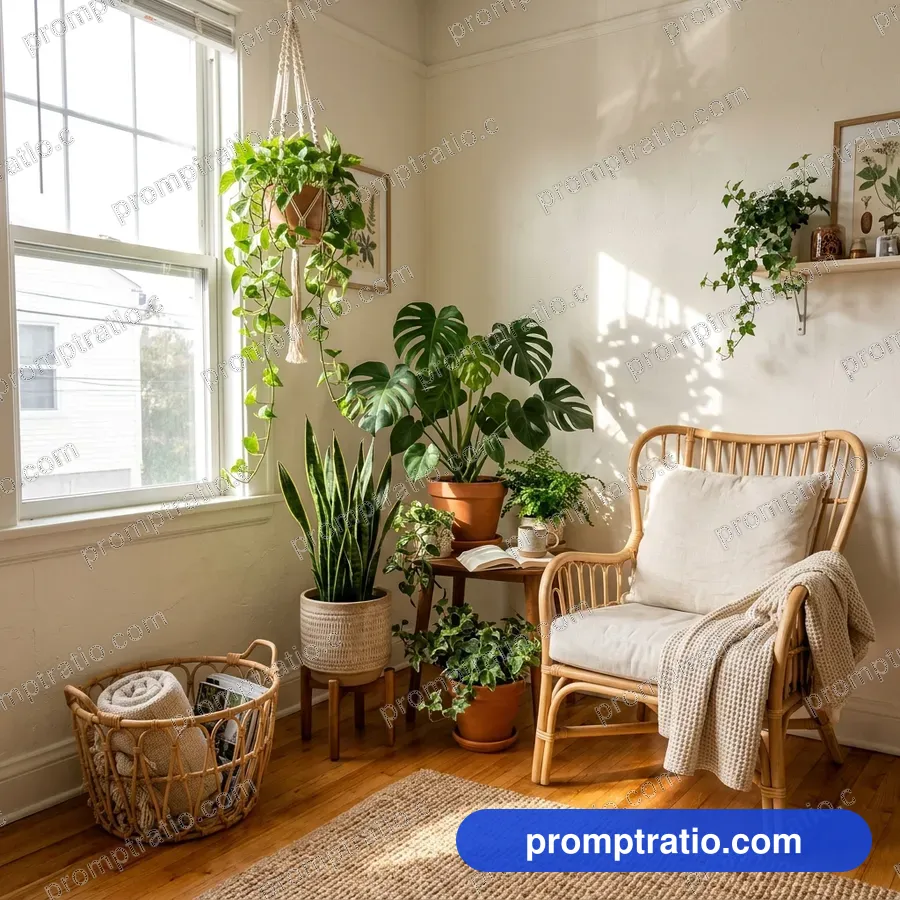
Feed post: "A square photo of a ceramic bowl of fresh berries and yogurt on a linen tablecloth, soft morning window light, pastel colors, lots of clean space around the bowl. No text."
Reel cover: "A vertical photo of a young man laughing while cooking with a flaming pan in a small home kitchen, his face in the middle of the frame, plain area above his head, warm light. No text."
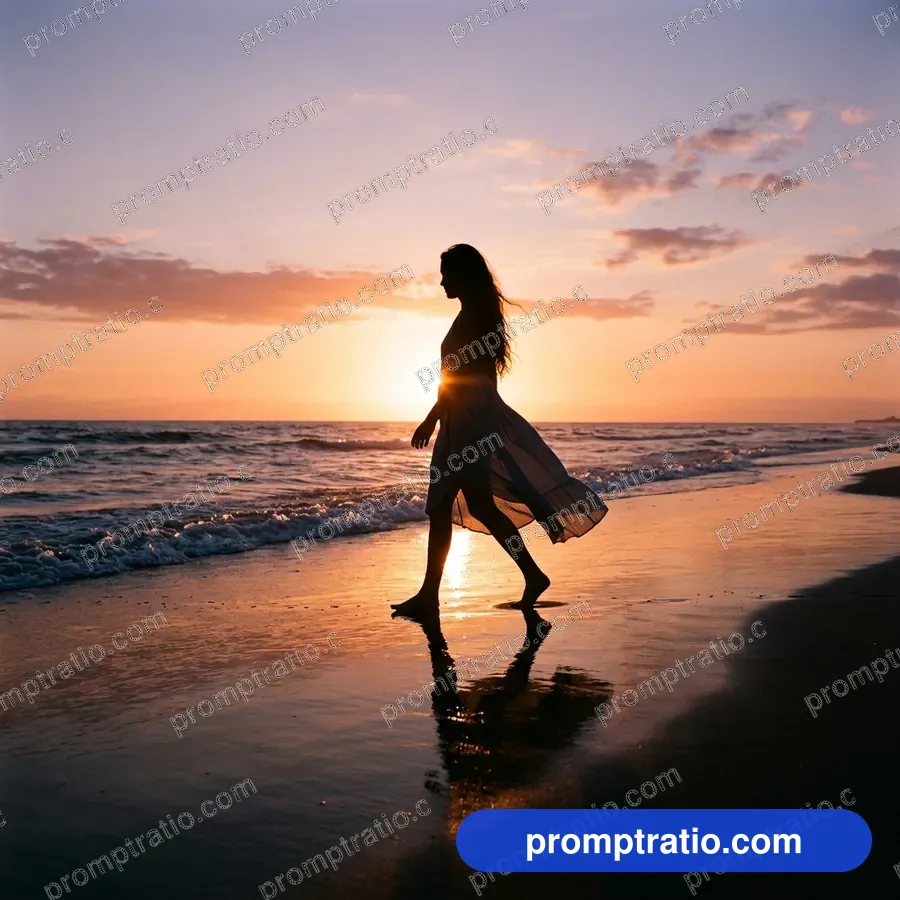
Story background: "A vertical photo of soft pink and orange clouds at sunrise over a calm sea, empty and calm, gentle light. No text."
Pinterest too
Pinterest favors tall 2:3 pins, at 1000 × 1500 pixels in our presets. A ChatGPT picture in 2:3 fits exactly; a 9:16 picture trims to 2:3 with a small crop at the top and bottom. Pins often carry a title, so leave a calm area at the top or bottom for it.
Pinterest is a search engine as much as a social network, so a pin needs a clear subject someone would search for: a recipe, a room, an outfit, a printable.
Stories and highlights
Stories disappear after a day, so they suit quick, simple pictures: one subject, bold color and lots of room for stickers and text added in the app. Keep the top and bottom of the frame empty, since the app places your name, the progress bar and the reply box there.
Highlight covers are small circles on your profile. Make them from a square picture with a single simple symbol in the center on a plain background, in your profile's main color. Anything detailed disappears at that size.
Profile pictures
Your profile picture is the smallest and most seen image on your account. Instagram shows it as a circle, so make it from a square picture with the face or logo centered and nothing important near the corners. A plain or softly blurred background keeps the face readable at tiny sizes.
If you use an AI portrait as a profile picture, keep it close to how you really look, so people who meet you recognize you. A strong single color behind you helps your picture stand out in comment threads and follower lists.
Post, then learn
Instagram tells you what worked: look at saves, shares and how long people watched a Reel. When a style does well, reuse its light and colors in the next prompt. When one flops, change one part, not everything.
The Instagram post, Reels cover and Pinterest categories on PromptRatio hold tested prompts in these shapes. On each prompt page, the ratio buttons show how the picture crops for every platform before you copy it.
Tested prompts on this topic
Every prompt in these categories comes with the picture it made, so you can try the ideas above on a prompt that already works: Instagram Posts, Reels & Shorts Covers, Pinterest Pins and Quote Cards. To trim a finished picture to an exact platform size, use the free crop tool.