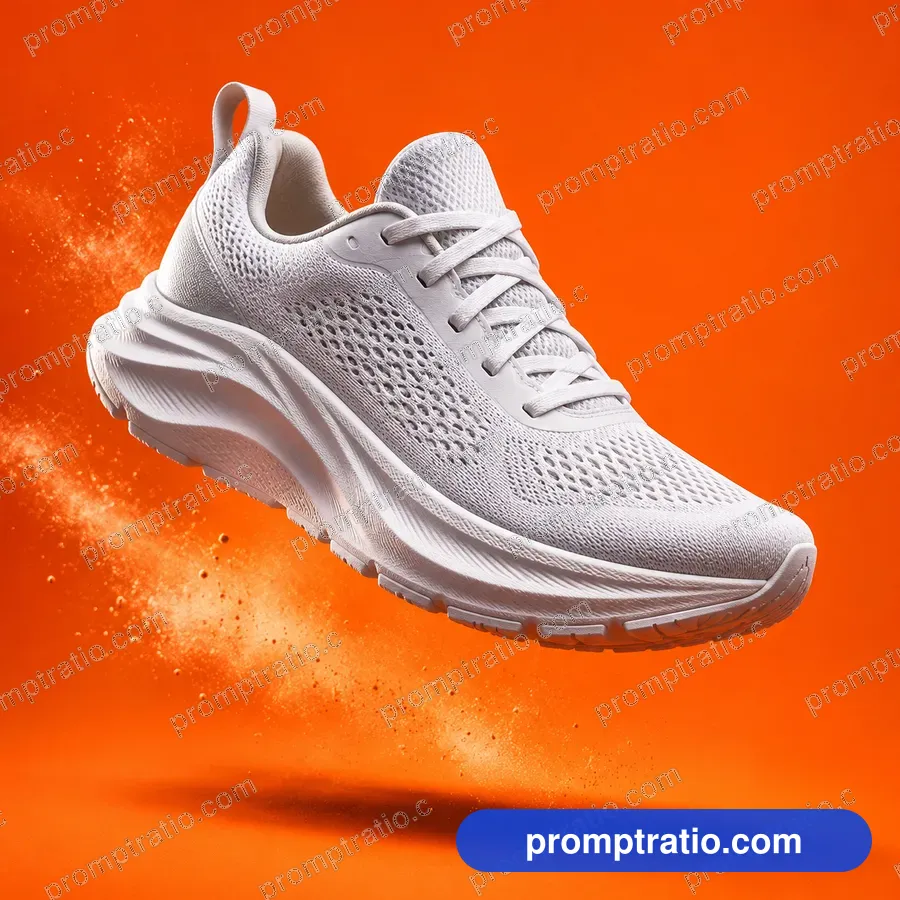
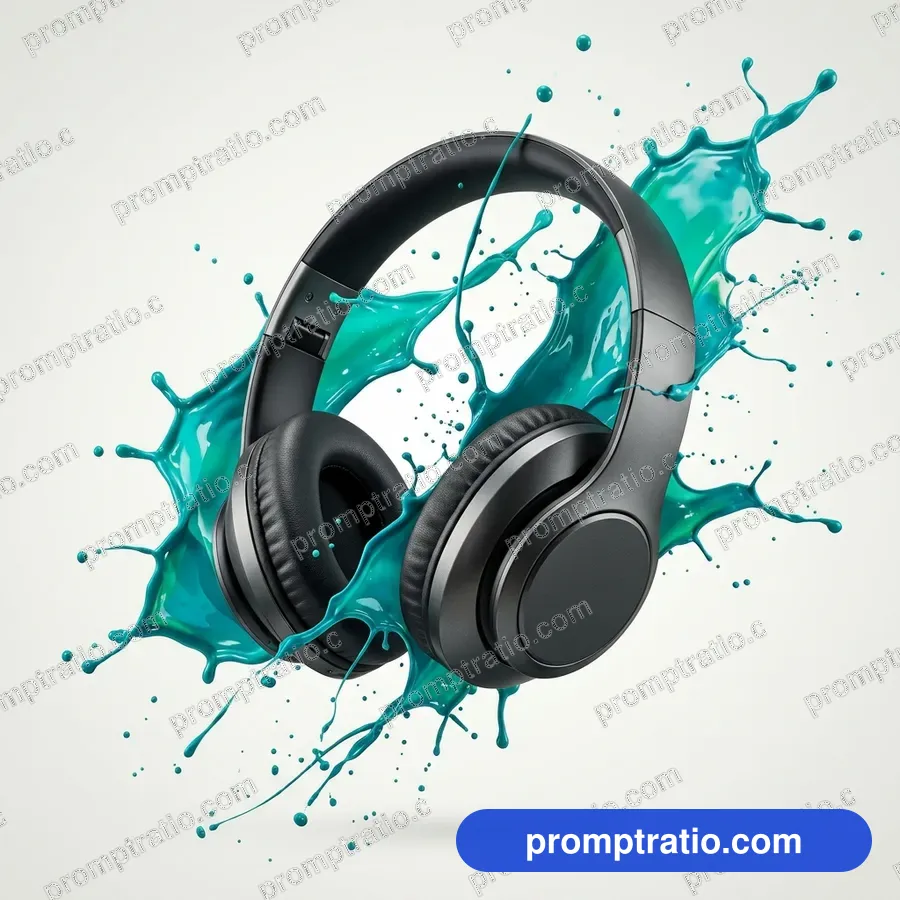
Decide: studio or lifestyle
Product photos come in two kinds. Studio shots show the product alone on a clean background, sharp and evenly lit, the way it appears on a shop page. Lifestyle shots show the product in use, in a kitchen, on a desk, in someone's hand, and tell a story about who it is for.
Pick one before you write. A prompt that mixes both ("on a white background in a cozy living room") confuses the tool and gives neither.
Describe the product like a buyer would
Name the product and the details a buyer cares about: material, color, finish and size. "A matte black ceramic coffee mug with a thin gold rim" is far better than "a nice mug". For packaging, describe the shape and color of the box or bottle.
Ask for an unbranded or original design. Image tools cannot reproduce your real logo or label reliably, and they should not copy someone else's. Use AI pictures for mockups, ideas and backgrounds, and photograph your real product for the final shop listing.
The studio setup
For a studio shot, describe the background, the surface and the light. "On a seamless light gray background", "on a white marble slab", "on raw linen". Then the light: "soft even studio lighting with a gentle shadow" or "a single softbox from the left, soft shadow to the right".
Add the camera view: "straight-on at eye level", "from a high angle", "a close-up of the texture". Product photos look most professional when the camera is level and the product is centered with room around it.
The lifestyle setup
For a lifestyle shot, describe a scene that suits the buyer. A skincare bottle on a bathroom shelf with a plant and morning light. A backpack on a hiker resting on a rock. A spice tin on a busy kitchen counter next to chopped onions. Keep the product the sharpest and brightest thing in the frame.
Two or three props are enough. Props should support the product, not compete with it: a towel beside the soap, coffee beans beside the mug.
Light and surfaces for each kind of product
- Glass and bottles: backlight or side light to show the shape and the liquid; a dark background makes edges glow.
- Jewelry: soft, diffused light to avoid harsh glare, and a close-up so the details read; dark velvet or stone surfaces.
- Food and drinks: soft window light from the side, a little steam or condensation, natural surfaces like wood.
- Electronics: clean studio light, a dark or neutral background, a thin rim light to outline the edges.
- Clothing: on a person in natural light, or laid flat on a plain surface photographed from above.
Ads need space
An ad picture has to carry words: a headline, a price, a button. Plan for them in the prompt. "Product on the right third, clean empty background on the left for text" gives designers room. For social ads, make square and tall versions; the same layout instructions work for both.
Avoid putting the offer or price in the AI picture itself. Prices change and spelling must be exact; add them in an editor.
Example prompts
Studio: "A square studio photo of an unbranded amber glass dropper bottle on a pale stone block, seamless warm beige background, soft light from the left, gentle shadow, no labels, no text."
Lifestyle: "A vertical photo of a hand holding a plain white takeaway coffee cup on a sunny street café table, blurred passersby behind, morning light, no logos, no text."
Ad layout: "A wide photo of a pair of unbranded running shoes mid-stride on a wet track, shoes on the right, dark empty background on the left for a headline, dramatic rim light, no logos, no text."
Flat lays and close-ups
Two layouts are worth knowing beyond the classic front view. A flat lay shows products arranged on a surface, photographed straight from above; write "a flat lay seen from directly above" and describe the items and their spacing. It suits stationery, cosmetics, food ingredients and clothing.
A detail close-up shows texture: the weave of a fabric, the grain of leather, the facets of a stone. Write "an extreme close-up of" plus the material, and ask for soft side light, which brings out texture far better than flat front light.
Be honest with buyers
Use AI product pictures for concepts, social posts and backgrounds, but do not let them promise something your real product is not. A shop listing should show the real item, its true color and its real size. Customers who feel misled return products and leave reviews.
The product, ad creative and packaging categories on PromptRatio have tested prompts for both studio and lifestyle setups, each with the finished picture, so you can match a style before you start.
Tested prompts on this topic
Every prompt in these categories comes with the picture it made, so you can try the ideas above on a prompt that already works: Product, Ad Creatives, Packaging, Jewellery and Restaurant & Menu. To trim a finished picture to an exact platform size, use the free crop tool.