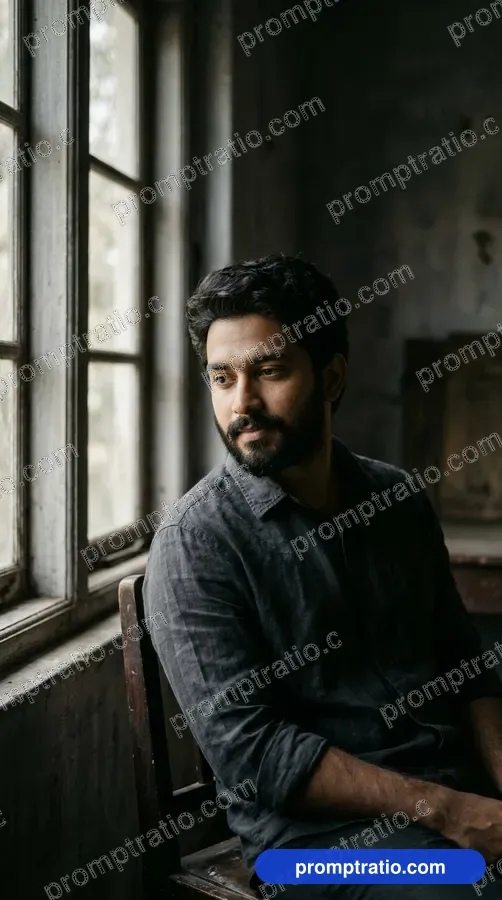
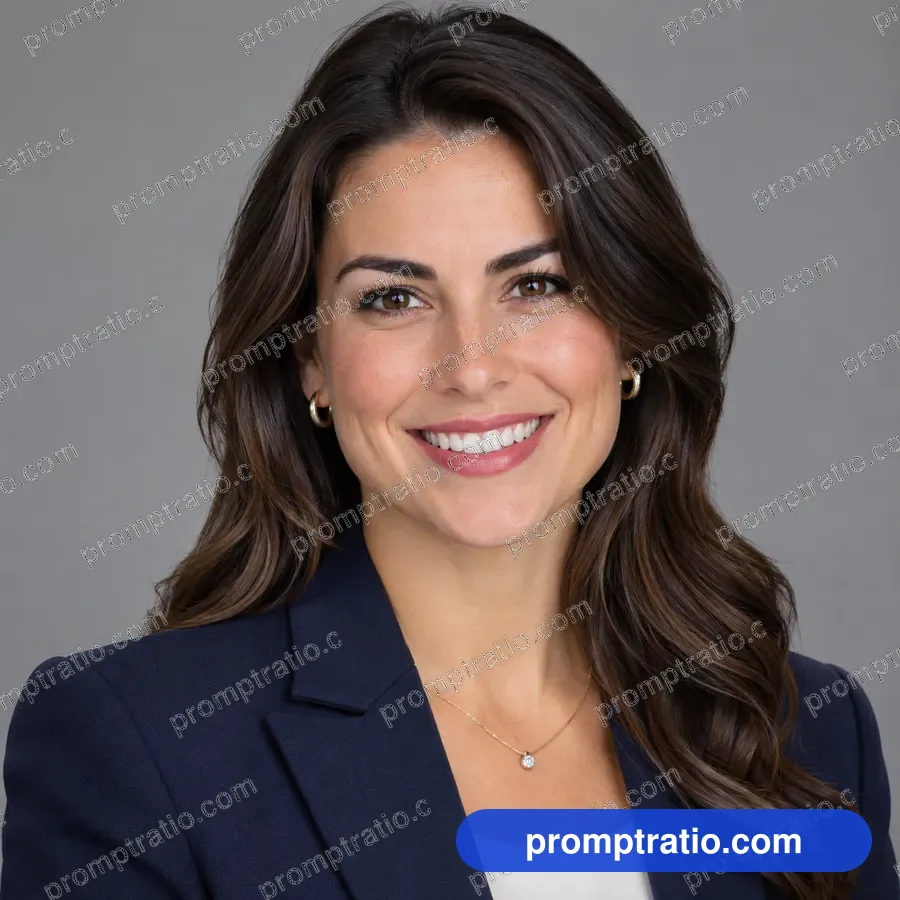
How it works
Some image tools, including ChatGPT, let you upload a photo together with a prompt. The tool then tries to keep the face and features from your photo while building the scene the prompt describes. The result is a new picture, not an edit of your photo, so the likeness is close but never perfect.
Prompts on PromptRatio that show people carry a note on how many faces they have, and those pages include a short own-photo guide with the exact words to add.
Pick the right photo
The photo you upload matters more than the prompt. A good source photo has:
- Your face clearly visible, looking at or near the camera.
- Even light, without strong shadows across the face or a bright window behind you.
- No sunglasses, heavy filters or beauty effects.
- Your face filling a good part of the frame, not a tiny figure in a group shot.
- A recent picture, if you want the result to look like you today.
Words to add to the prompt
Tell the tool what to do with the photo. Add a sentence such as: "Use the face from the uploaded photo for the person in this picture, keep the same face shape, skin tone and hairstyle." Put it at the start or the end of the prompt, not in the middle of the scene description.
If the prompt describes the person's age, hair or clothes, check that it fits you. A prompt that says "a young woman with long hair" will fight a photo of a man with short hair. Change those words to describe yourself, and leave the rest of the prompt alone.
Two people in one picture
Couple and family prompts can use two photos. Upload a clear photo of each person and say which is which: "the man is from the first photo, the woman from the second". Keep the poses simple; complicated hugs and overlapping faces are where likeness breaks first.
Expect to run two-person prompts more often than single portraits. Pick the run where both faces are right, rather than accepting one good face and one stranger.
Keep it looking like you
Styles that change the face a lot, such as heavy cartoon or anime styles, lose likeness quickly. Realistic photo styles keep it best. If a stylized result does not look like you, try adding "keep the face recognizable" or move the style a step toward realism, for example "a soft 3D style" instead of "a cartoon".
Small changes to the face, like a slightly different nose or eye shape, are common. Run the prompt again rather than adding more instructions; a long list of face rules often makes things worse.
Privacy and consent
Only upload photos of yourself, or of people who have agreed to it. Read the privacy terms of the tool you use, because uploaded photos may be stored or used by that service under its own rules. Do not upload photos of children unless you are their parent or guardian and are comfortable with those terms.
Do not use another person's face to make pictures they would not agree to, and do not present an AI picture of a real person as a real photo. Label AI pictures honestly when you share them, especially for work or official use.
Where it works well
Professional headshots for LinkedIn, festival portraits, action figure boxes and travel-style pictures are the most popular uses. For a headshot, keep the prompt simple: plain background, soft studio light, business clothes, head and shoulders. For fun styles like a toy action figure, the face only needs to be recognizable, not exact.
Before you use an AI headshot for something official, check whether that place accepts AI pictures. Many forms and IDs need a real photo.
When the result does not look like you
If the face in the result is a stranger, check the source photo first: a side angle, a shadow across one eye or a low-resolution crop are the usual causes. Try a different photo before changing the prompt. If the face is close but the hair, age or skin tone drift, the prompt's description of the person is probably fighting your photo; rewrite that part to describe you plainly.
Some styles also push faces toward a type. A heavily stylized painting or toy look will always smooth features. If likeness matters most, pick a prompt in a realistic photo style and change only the clothes and the setting.
A quick checklist
Follow those five steps and most portrait prompts in the gallery will give you a picture that people recognize as you.
- Clear, well-lit, recent photo of the face.
- Prompt's description of the person changed to match you.
- One sentence telling the tool to use the uploaded face.
- Two or three runs; keep the best likeness.
- Check hands, ears, glasses and jewelry before sharing.
Tested prompts on this topic
Every prompt in these categories comes with the picture it made, so you can try the ideas above on a prompt that already works: Portrait, Headshots, Couples, Wedding, Toy Action Figures and LinkedIn. To trim a finished picture to an exact platform size, use the free crop tool.