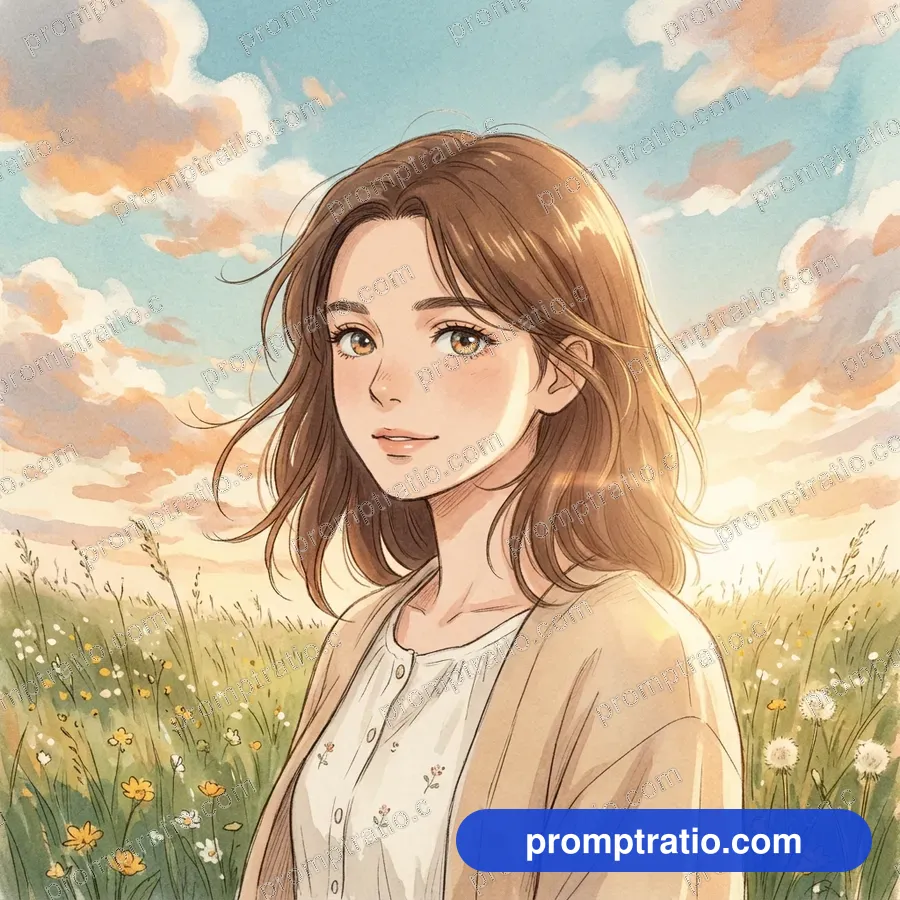
Start with one clear subject
Every strong prompt opens with the thing the picture is about. Not a mood, not a style, but a subject you could point at: a potter at a wheel, a red vintage scooter, a bowl of ramen, two kids flying a kite. Image tools give the most weight to the first words they read, so whatever you put first is what the picture will be built around.
Be specific in a way a camera can see. "A happy family" leaves the tool to guess everything. "A grandmother teaching her granddaughter to roll rotis in a small kitchen" tells it the people, their ages, what they are doing and where. You do not need long sentences; you need nouns and verbs that describe something visible.
If the picture has people, say how many and what they are doing with their hands. Hands with nothing to do tend to come out stiff. A cup, a tool, a phone, a kite string or a railing gives them a job and makes the pose look natural.
Place it somewhere
After the subject, describe where it is. A setting gives the tool a background to build, and it decides most of the colors in the frame. "On a rooftop in an old city" brings warm walls and a busy skyline; "in a white studio" brings a clean, empty background that suits product shots.
Two or three details are enough. A crowded setting description competes with the subject, and the tool may start to treat a background object as the main thing. Pick the details that support the story: steam from a chai stall, puddles on a street, shelves of old books.
Name the light
Light is the cheapest way to change how a picture feels. The same street scene reads as calm in soft morning light, dramatic at golden hour and moody under neon at night. Most prompts in our gallery name one light in a few words, and the "How to change this prompt" box on each prompt page shows what happens when you swap it.
Use words a photographer would use: golden hour, blue hour, overcast daylight, soft window light, rim light, candlelight, harsh midday sun. Avoid stacking several kinds of light in one prompt; the tool tries to show all of them and the result looks flat.
Choose a style and a shape
Next, say what kind of image it is: a photo, an oil painting, a watercolor, a 3D render, pixel art, an anime frame. If you say nothing, most tools default to a polished photo look. A style word near the start of the prompt ("A watercolor painting of…") works better than one tacked on at the end.
Shape matters just as much. Decide before you write where the picture will be used. A YouTube thumbnail needs a wide 16:9 frame, a Reel cover a tall 9:16 frame, a feed post a square or 4:5 frame. Writing "a vertical photo of…" helps, but the setting in the tool decides the final size, so pick the ratio there too. Our guide on choosing an aspect ratio covers this in detail.
Add rules at the end
The last part of a prompt is for things you do not want. The most useful rule is "No text": without it, many tools add random letters, fake signs or a made-up logo. If you plan to add your own title later, ask for clean empty space instead, such as "an empty band at the top with no lettering".
Other useful rules: "no logos" or "unbranded" for anything you might post for a business, and "original design, not resembling any real model" for cars, planes and gadgets, so the picture does not copy a real product. Keep rules short and put them last, where they do not crowd the description.
A worked example
Here is how the parts fit together. Subject: "An old bookseller arranging paperbacks on a wooden cart." Setting: "on a narrow street lined with shops." Light: "warm late-afternoon sun." Style and shape: start the prompt with "A vertical photo of". Rules: "No text."
Put together: "A vertical photo of an old bookseller arranging paperbacks on a wooden cart on a narrow street lined with shops, warm late-afternoon sun. No text." That is under 35 words, and every word tells the tool something it can draw.
What to leave out
Long lists of quality words such as "8K, ultra detailed, masterpiece, award-winning" rarely help modern image tools and often push the picture toward an over-sharpened look. The same goes for artist names: you get a better result, and stay on safer ground, by describing the look itself ("thick visible brush strokes, muted earth colors").
Also leave out anything the picture cannot show. Smells, sounds, backstory and feelings that have no visible sign only add noise. If a feeling matters, describe what it looks like: "laughing", "eyes closed", "leaning on each other".
Test, then change one thing at a time
Run the prompt two or three times before you judge it; every run is different. When a result is close but not right, change one part only: the light, a color, the camera distance. Changing several parts at once makes it hard to tell what helped.
Every prompt on PromptRatio comes with the picture it actually produced, so you can start from a result you already like and edit from there. Copy one, swap the subject for your own, and keep the rest. That is the fastest way to learn which words do the work.
Tested prompts on this topic
Every prompt in these categories comes with the picture it made, so you can try the ideas above on a prompt that already works: Viral Trends, Cinematic, Portrait and Nature. To trim a finished picture to an exact platform size, use the free crop tool.