 Dark Moon Wallpaper 9:16
 1:1
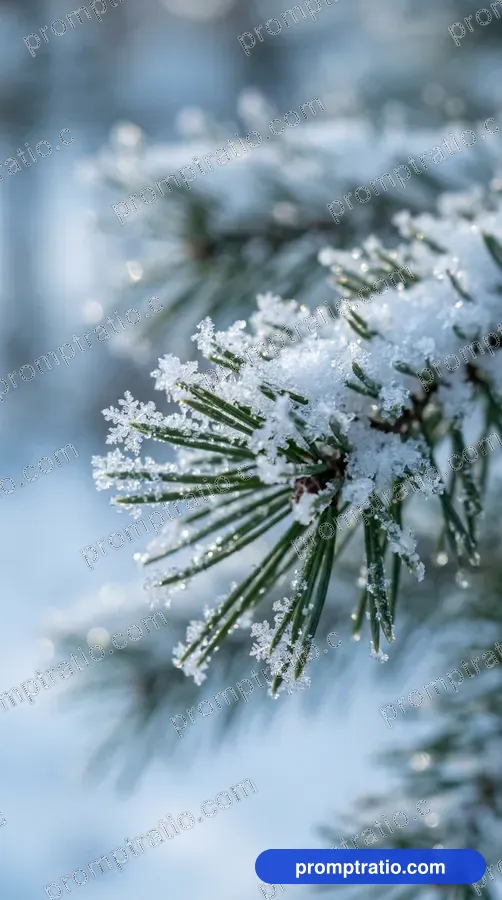
Snowy Pine Branch
A close-up of snow on a pine.
Platform
Aspect ratio
Prompt for IG Square (1080 × 1080)
Tested on Google FlowA macro photo of a green pine branch covered in fresh snow crystals, a soft blue blurred background, tiny ice sparkles. No text. Compose as square 1:1 for IG Square, with the main subject fully inside the frame and safe margin on every side.
Paste into Google Flow and pick the closest ratio in its settings. Finish exact sizes in the crop tool.
Did this prompt work for you?
Tried in:
Be the first to tell others how it went
Live Crop Preview
How this image crops in each format. If a crop loses the subject, generate that ratio from the prompt above.
Crop this picture exactly, at full size, in the Crop ToolAbout this prompt
We made the picture above with this prompt on Google Flow. It has a wallpaper style, soft winter light and a calm, fresh mood, and it sits in the Phone Wallpapers collection.
The frame is 9:16 (tall), and our original measures 768 × 1376 pixels. That shape is an exact fit for Instagram Reels and phone wallpapers; Pinterest pins take it with a small crop. It was made with phone wallpaper in mind.
- Style
- Wallpaper
- Lighting
- Soft winter light
- Mood
- Calm, fresh
- Use case
- Phone wallpaper
Made for:Phone Wallpapers
Make this prompt your own
- Subject
- The opening words, “A macro photo of a green pine branch covered in fresh snow crystals”, are the subject. Swap in your own subject and keep the rest to get a new picture in the same look.
- Light
- The light comes from the scene itself; our notes call it soft winter light. To change it, add a few words at the end, such as “starlight” or “moonlight”.
- Colours
- Colour words in the prompt: green and blue. Replace one with your own colour to match a brand or a room.
- Rules
- The last words, “No text”, stop the tool from writing on the picture. That leaves clean space for your own title.
Same theme, another look
In other light: Misty Pine Road (foggy light), Aurora Lake Wallpaper (night sky) and Ocean From Above Wallpaper (bright sun).
In another style: Unfurling Fern Spiral (macro photo), Rainy Forest Road (wallpaper photo) and Cliff Over a Sunset Sea (landscape photo).
How to use this prompt
- 1Pick your platform or ratio at the top. The prompt rewrites itself for that size.
- 2Press Copy Prompt, open Google Flow and paste it. For this picture’s shape, pick 9:16 in its settings before you send.
- 3Make it yours: change the colours, place or product in the prompt’s words before you send it.
- 4Generate two or three times and keep the best. For an exact Reels size, finish it in the Crop Tool.
Questions
Is this prompt free?
Yes. Copying the prompt is free for everyone. Signed-in visitors can also download the full-size image without a watermark, 10 images a day.
Will I get exactly this image?
Close, not identical. AI tools make a new picture every time, so the style, light and mood will match while faces and small details change. Run it a few times and pick the one you like.
Does it work outside Google Flow?
It was tested on Google Flow. It also works in ChatGPT and most other image tools, though results vary from tool to tool.
Which platforms is this size good for?
It was made in 9:16 (vertical), which suits Reels, Pinterest, Mobile Wallpaper. For any other size, choose it with the buttons at the top; the prompt and the crop preview change with it.
Can I use the image for my business?
What you make belongs under the rules of the AI tool you used, so check its terms first. Read our disclaimer before using images for ads or products.
Related Phone Wallpapers Prompts
Dark Moon Wallpaper 9:16 Stars Over a Peak 9:16
 Cat by a Rainy Window 9:16
 Paper Cranes Wallpaper 9:16
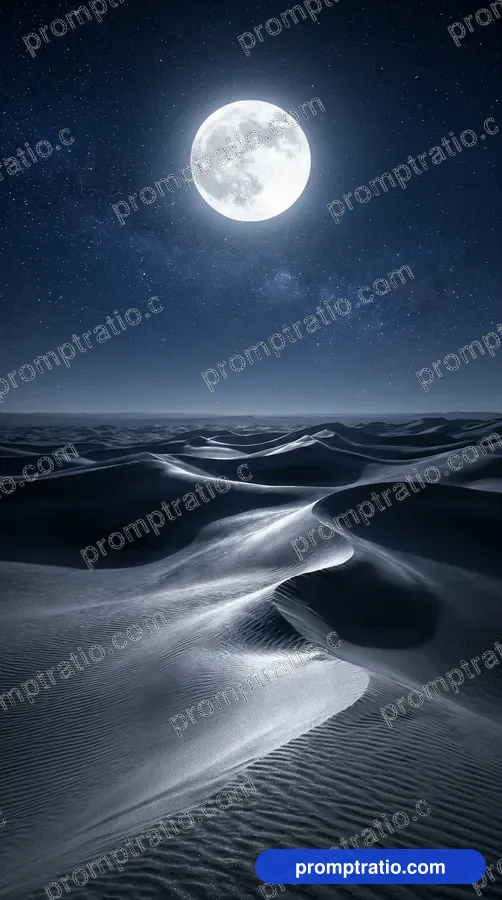 Desert Under the Moon 9:16
 Green Bamboo Stems 9:16
 Galaxy Swirl Wallpaper 9:16
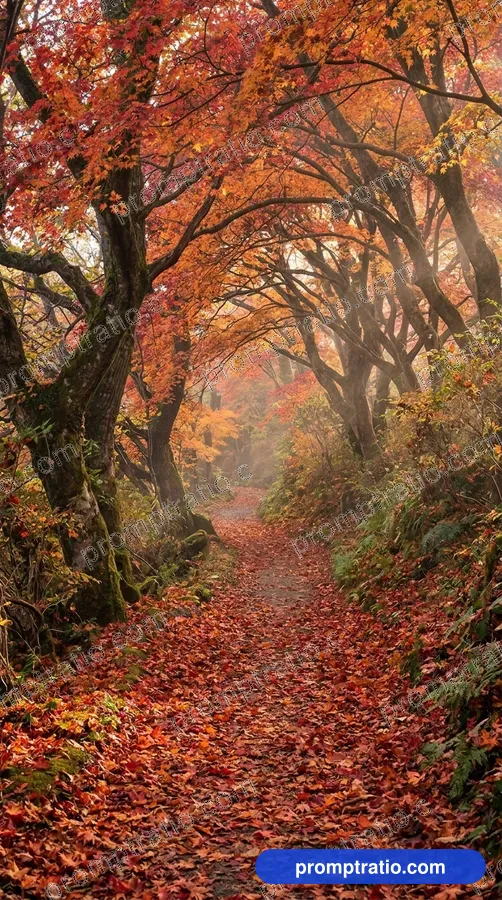 Autumn Maple Path 9:16
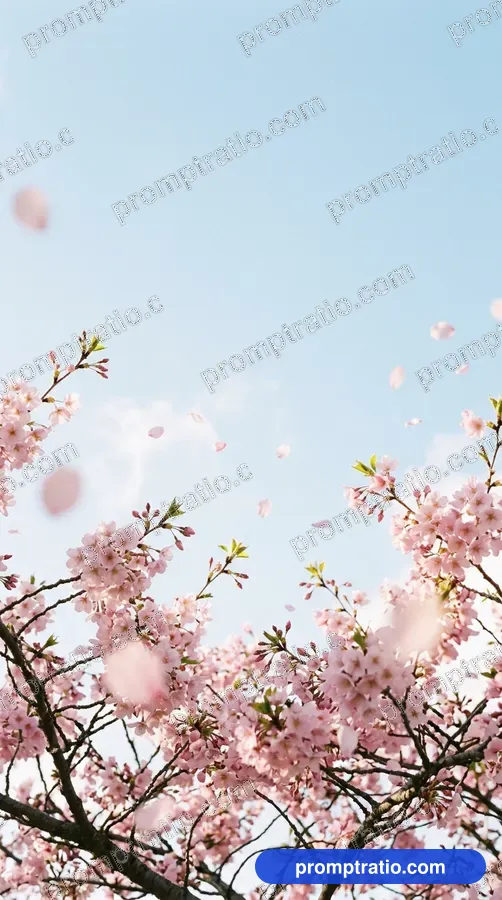 Cherry Blossom Wallpaper 9:16
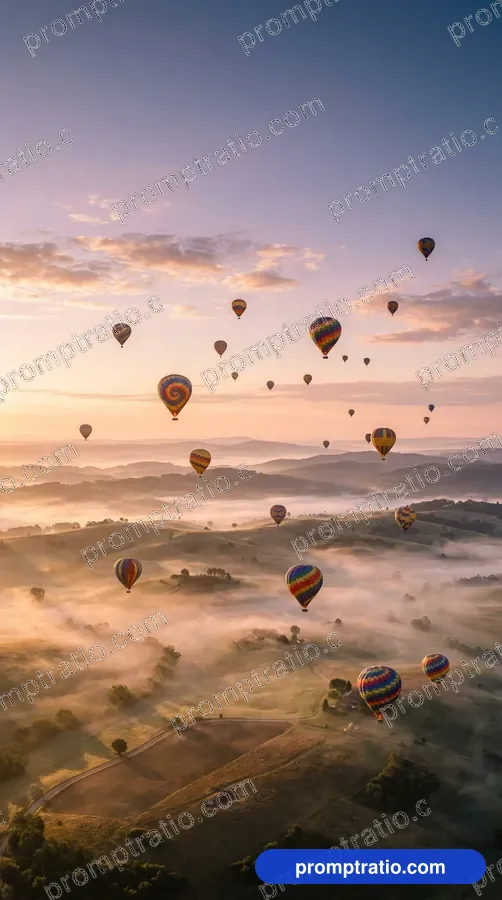 Hot Air Balloons Wallpaper 9:16
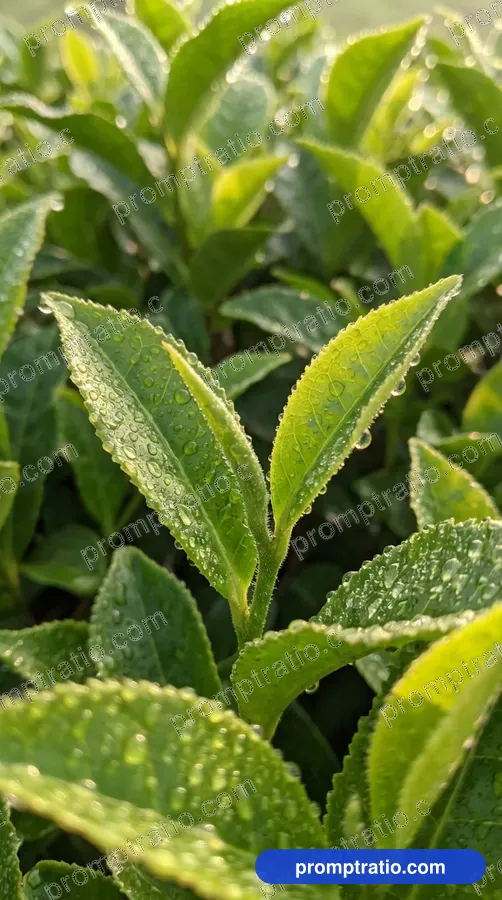 Tea Leaf Wallpaper 9:16
 Peacock Feather Close-Up 9:16