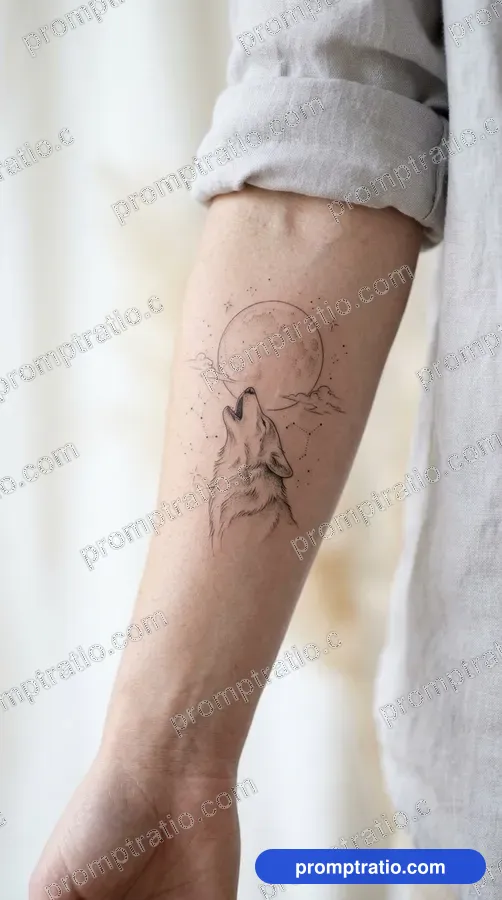
 Wolf Moon Forearm 9:16
 1:1AI-generated · Google Flow
Dotwork Heron Tattoo
A heron among reeds.
Curated by Bhawani Singh · Added · Image made with AI (Google Flow)
Platform
Aspect ratio
Prompt for IG Square (1080 × 1080)
Tested on Google FlowA vertical black dotwork tattoo design of a tall heron standing among curved reeds, shaded entirely with tiny dots, on plain white paper. No text. Compose as square 1:1 for IG Square, with the main subject fully inside the frame and safe margin on every side.
Paste into Google Flow and pick the closest ratio in its settings. Finish exact sizes in the crop tool.
Did this prompt work for you?
Tried in:
Be the first to tell others how it went
Live Crop Preview
How this image crops in each format. If a crop loses the subject, generate that ratio from the prompt above.
Crop this picture exactly, at full size, in the Crop ToolAbout this prompt
A free prompt from the Tattoo Designs collection, tested on Google Flow. The look is a tattoo design style with flat even light, and the mood is quiet and patient.
It is a tall 9:16 picture; our original is 768 × 1376 pixels. That shape is an exact fit for Instagram Reels and phone wallpapers; Pinterest pins take it with a small crop. We made it for posts.
- Style
- Tattoo design
- Lighting
- Flat even light
- Mood
- Quiet, patient
- Use case
- Posts
Make this prompt your own
- Subject
- “A vertical black dotwork tattoo design of a tall heron standing among curved reeds” is the part that names the subject. Put your own there and leave the other words alone to keep this look.
- Light
- The prompt does not ask for a particular light, and the picture came out with flat even light. To steer it, add a few words at the end, such as “flat light” or “moody studio light”.
- Colours
- The prompt names black and white. Change any of those colour words and the picture follows.
- Rules
- “No text” at the end keeps stray letters out of the picture. Keep it, then put a title on top yourself if you need one.
Same theme, another look
In other light: Mountain Range Tattoo (soft light), Elephant Family Forearm Tattoo (soft studio light) and Om Wrist Tattoo (soft daylight).
In another style: Hummingbird Tattoo (tattoo photo), Colour Peacock Tattoo (close-up photo) and Pine Mountain Tattoo (tattoo art).
How to change this prompt
Worked examples: one part of this prompt as it is, then rewritten. Paste the new words in place of the old ones, or copy the whole prompt with the change already made.
Add a light
Now: A vertical black dotwork tattoo design of a tall heron standing among curved reeds
Try: A vertical black dotwork tattoo design of a tall heron standing among curved reeds, studio light
The prompt names no light of its own, so adding “studio light” after the opening words steers the picture away from the flat even light it came out with.
Try another style
Now: A vertical black dotwork tattoo design of a tall heron standing among curved reeds
Try: A vertical black dotwork tattoo design of a tall heron standing among curved reeds, in a behind the scenes style
This turns the tattoo design look into behind the scenes, a style other prompts in this collection use; the rest of the words stay.
Change a colour
Now: A vertical black dotwork tattoo design of a tall heron standing among curved reeds
Try: A vertical cream white dotwork tattoo design of a tall heron standing among curved reeds
“black” becomes “cream white”. One colour word is enough to move the whole palette.
Add weather or a season
Now: A vertical black dotwork tattoo design of a tall heron standing among curved reeds, shaded entirely with tiny dots
Try: A vertical black dotwork tattoo design of a tall heron standing among curved reeds, shaded entirely with tiny dots on a crisp autumn day
The prompt says nothing about weather, so “on a crisp autumn day” adds a season without changing who or what is in the picture.
Which model gives what
“Dotwork Heron Tattoo” was made on Google Flow, which returned this 9:16 frame at 768 × 1376 pixels. Of the 78 prompts in Tattoo Designs, 71 were made on Google Flow and 7 on ChatGPT.
In our gallery ChatGPT pictures come in 1:1 at 1254 × 1254, 3:2 at 1536 × 1024 and 2:3 at 1024 × 1536, and none of them are 9:16. Run this prompt there and expect the nearest of those shapes, then crop it back to 9:16.
How to use this prompt
- 1Pick your platform or ratio at the top. The prompt rewrites itself for that size.
- 2Press Copy Prompt, open Google Flow and paste it. For this picture’s shape, pick 9:16 in its settings before you send.
- 3Make it yours: change the colours, place or product in the prompt’s words before you send it.
- 4Generate two or three times and keep the best. For an exact Reels size, finish it in the Crop Tool.
Questions
Is this prompt free?
Yes. Copying the prompt is free for everyone. Signed-in visitors can also download the full-size image without a watermark, 10 images a day.
Will I get exactly this image?
Close, not identical. AI tools make a new picture every time, so the style, light and mood will match while faces and small details change. Run it a few times and pick the one you like.
Does it work outside Google Flow?
It was tested on Google Flow. It also works in ChatGPT and most other image tools, though results vary from tool to tool.
Which platforms is this size good for?
It was made in 9:16 (vertical), which suits Reels, Pinterest, Mobile Wallpaper. For any other size, choose it with the buttons at the top; the prompt and the crop preview change with it.
Can I use the image for my business?
What you make belongs under the rules of the AI tool you used, so check its terms first. Read our disclaimer before using images for ads or products.
Related Tattoo Designs Prompts
Wolf Moon Forearm 9:16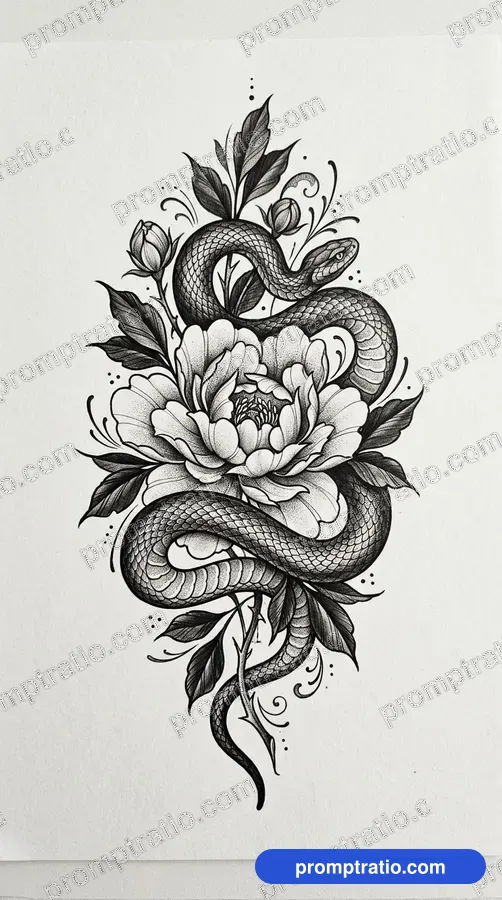 Snake and Peony Tattoo 9:16
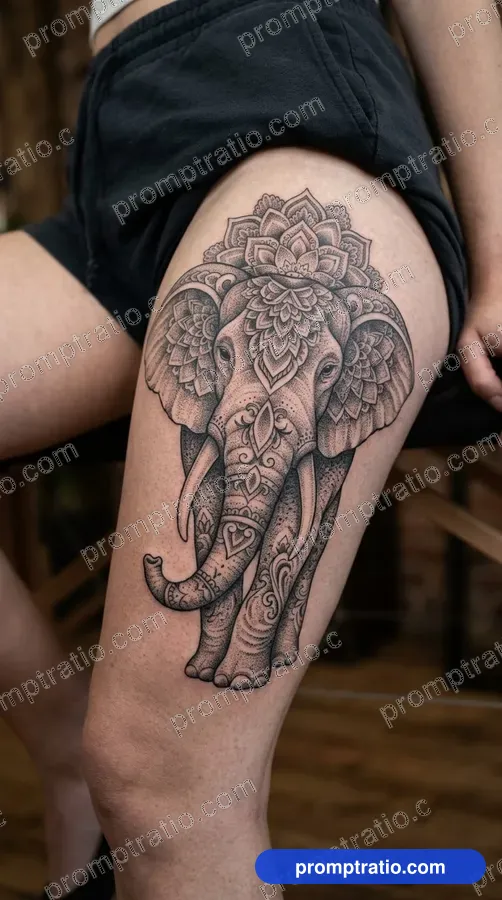 Elephant Mandala Tattoo 9:16
 Flower Spine Tattoo 9:16
 Moon Phases Tattoo 9:16
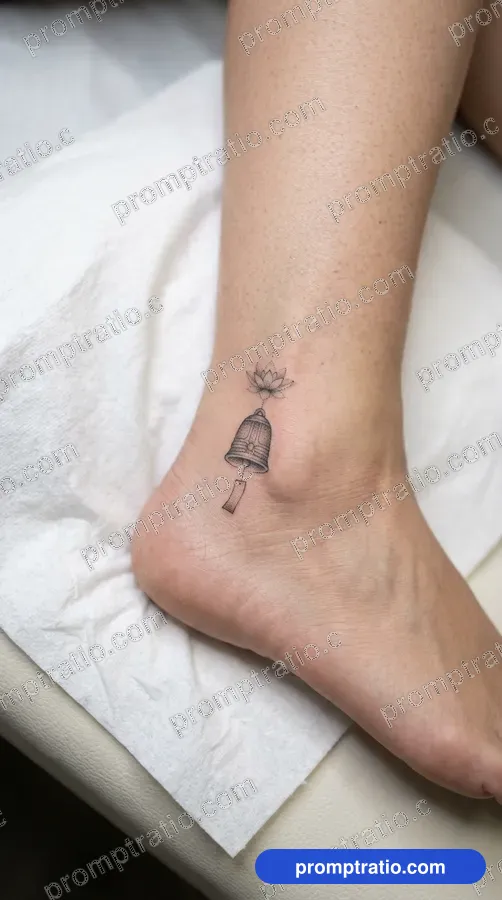 Temple Bell Ankle Tattoo 9:16
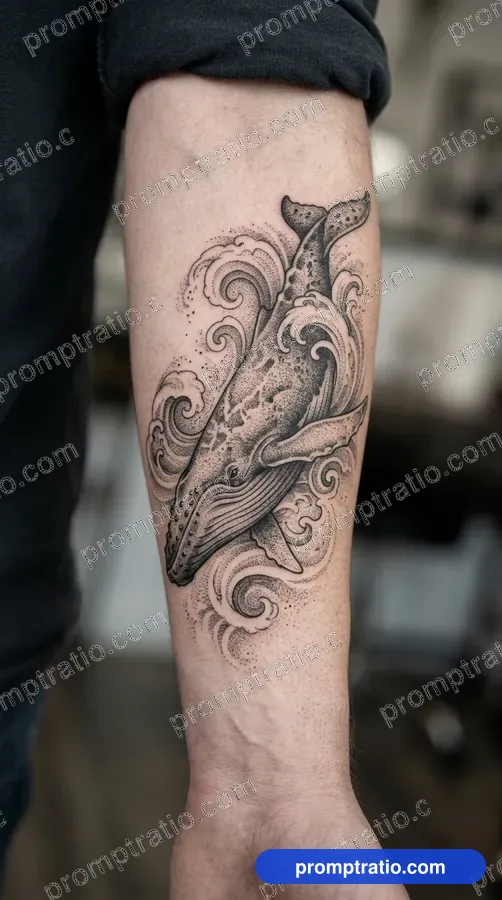 Whale Dotwork Forearm Tattoo 9:16
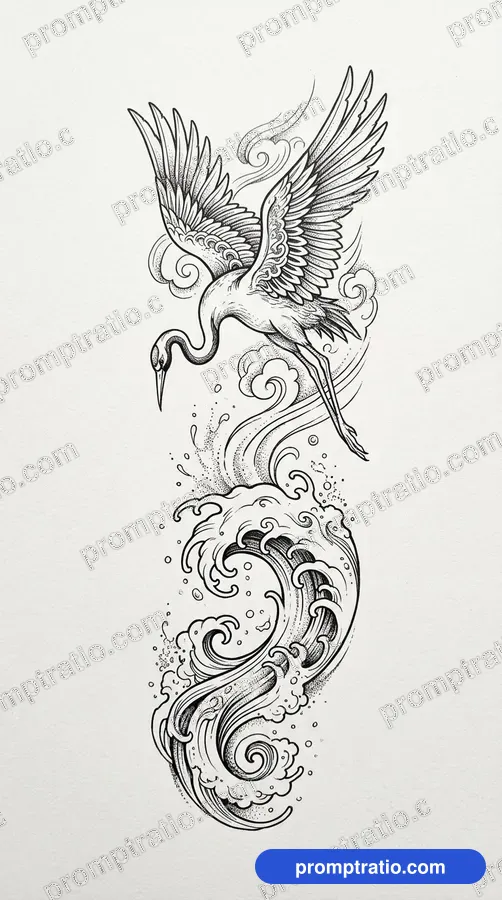 Crane and Wave Tattoo 9:16
 Koi Wave Sleeve 9:16
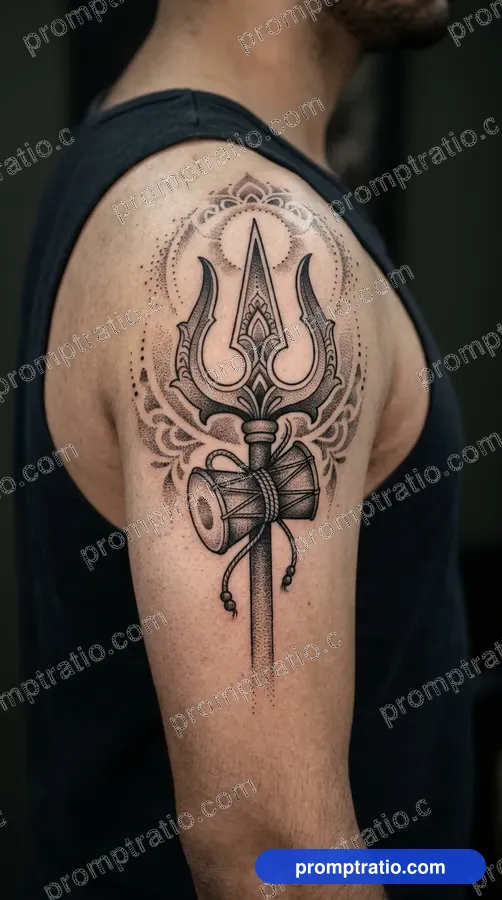 Trishul Dotwork Tattoo 9:16
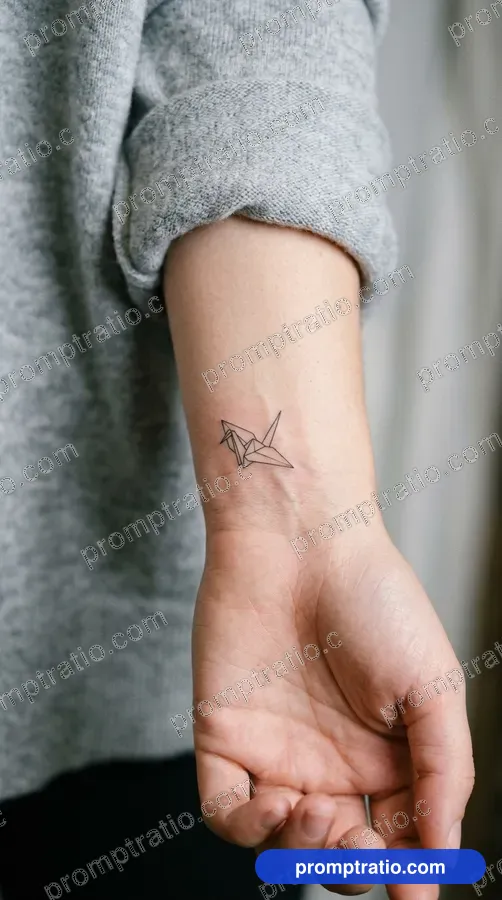 Paper Crane Wrist Tattoo 9:16
 Swallow Pair Tattoo 9:16