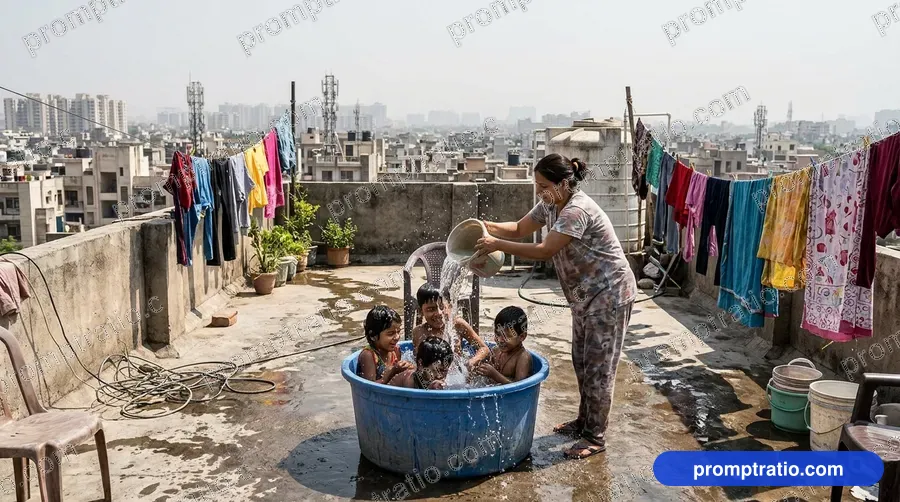
 Cooling Off on the Roof 16:9
 1:1
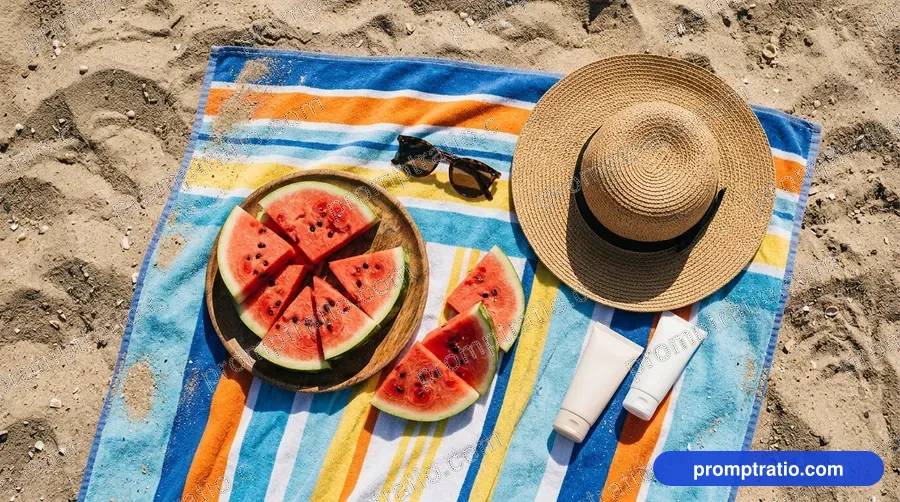
Watermelon on a Beach Towel
A juicy beach snack.
Platform
Aspect ratio
Prompt for IG Square (1080 × 1080)
Tested on Google FlowA wide top-down photo of watermelon slices on a striped beach towel on the sand, sunglasses, a straw hat and a small bottle of sunscreen without labels beside them, bright sunlight. No text. Compose as square 1:1 for IG Square, with the main subject fully inside the frame and safe margin on every side.
Paste into Google Flow and pick the closest ratio in its settings. Finish exact sizes in the crop tool.
Did this prompt work for you?
Tried in:
Be the first to tell others how it went
Live Crop Preview
How this image crops in each format. If a crop loses the subject, generate that ratio from the prompt above.
Crop this picture exactly, at full size, in the Crop ToolAbout this prompt
We made the picture above with this prompt on Google Flow. It has a summer photo style, bright sunlight and a fresh, fun mood, and it sits in the Summer collection.
The frame is 16:9 (wide), and our original measures 1376 × 768 pixels. That shape is an exact fit for YouTube thumbnails, X posts and desktop wallpapers; LinkedIn posts and Facebook posts take it with a small crop. It was made with thumbnails in mind.
- Style
- Summer photo
- Lighting
- Bright sunlight
- Mood
- Fresh, fun
- Use case
- Thumbnails
Made for:YouTube Thumbnails
Make this prompt your own
- Subject
- The opening words, “A wide top-down photo of watermelon slices on a striped beach towel on the sand”, are the subject. Swap in your own subject and keep the rest to get a new picture in the same look.
- Light
- The light is set by “bright sunlight”. For another look, swap those words for “bright afternoon light” or “harsh sun”.
- Rules
- It ends with “No text”, so the tool adds no letters or signs. Leave that in and add your own words later in any editor.
Same theme, another look
In other light: Sugarcane Juice Cart (bright sun), Kids Eating Jamun Under a Tree (bright afternoon light) and Clay Pot of Water (bright daylight).
In another style: Nimbu Pani (drinks photography), Lassi in a Clay Cup (food photo) and Kulfi Cart at Evening (street photo).
How to change this prompt
Worked examples: one part of this prompt as it is, then rewritten. Paste the new words in place of the old ones, or copy the whole prompt with the change already made.
Change the light
Now: a straw hat and a small bottle of sunscreen without labels beside them, bright sunlight
Try: a straw hat and a small bottle of sunscreen without labels beside them, hot light
Only the light words change, so the scene stays the same and the feel moves to hot light.
Try another style
Now: A wide top-down photo of watermelon slices on a striped beach towel on the sand
Try: A wide top-down photo of watermelon slices on a striped beach towel on the sand, in a food photo style
This turns the summer photo look into food photo, a style other prompts in this collection use; the rest of the words stay.
Add weather or a season
Now: A wide top-down photo of watermelon slices on a striped beach towel on the sand, sunglasses
Try: A wide top-down photo of watermelon slices on a striped beach towel on the sand, sunglasses with soft fog in the air
The prompt says nothing about weather, so “with soft fog in the air” adds a season without changing who or what is in the picture.
Which model gives what
“Watermelon on a Beach Towel” was made on Google Flow, which returned this 16:9 frame at 1376 × 768 pixels. All 49 prompts in Summer were made on Google Flow.
In our gallery ChatGPT pictures come in 1:1 at 1254 × 1254, 3:2 at 1536 × 1024 and 2:3 at 1024 × 1536, and none of them are 16:9. Run this prompt there and expect the nearest of those shapes, then crop it back to 16:9.
How to use this prompt
- 1Pick your platform or ratio at the top. The prompt rewrites itself for that size.
- 2Press Copy Prompt, open Google Flow and paste it. For this picture’s shape, pick 16:9 in its settings before you send.
- 3Make it yours: change the colours, place or product in the prompt’s words before you send it.
- 4Generate two or three times and keep the best. For an exact YouTube size, finish it in the Crop Tool.
Questions
Is this prompt free?
Yes. Copying the prompt is free for everyone. Signed-in visitors can also download the full-size image without a watermark, 10 images a day.
Will I get exactly this image?
Close, not identical. AI tools make a new picture every time, so the style, light and mood will match while faces and small details change. Run it a few times and pick the one you like.
Does it work outside Google Flow?
It was tested on Google Flow. It also works in ChatGPT and most other image tools, though results vary from tool to tool.
Which platforms is this size good for?
It was made in 16:9 (wide), which suits YouTube, X, LinkedIn, Facebook, Desktop Wallpaper. For any other size, choose it with the buttons at the top; the prompt and the crop preview change with it.
Can I use the image for my business?
What you make belongs under the rules of the AI tool you used, so check its terms first. Read our disclaimer before using images for ads or products.
Related Summer Prompts
Cooling Off on the Roof 16:9 Watermelon on the Porch 16:9
 Ice Cream Cart on a Street 16:9
 Kids Floating on Tubes 16:9
 Grandpa Cutting Mangoes 16:9
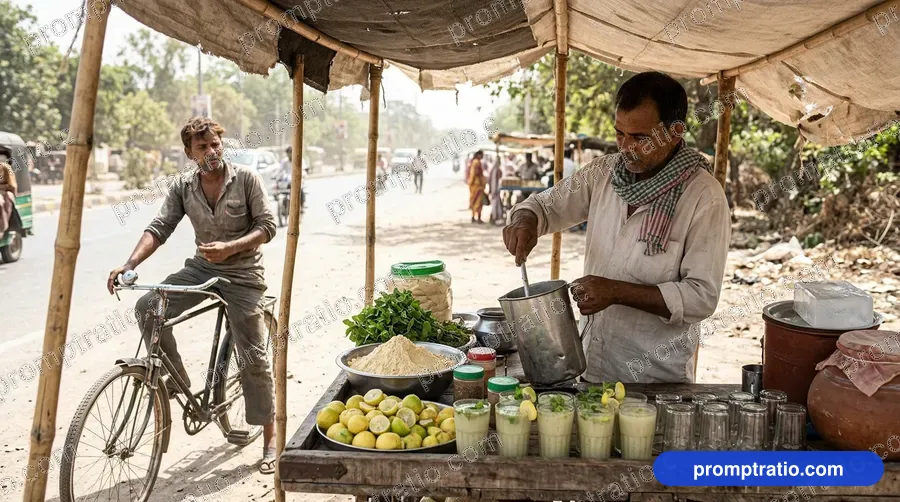 Roadside Sattu Drink Stall 16:9
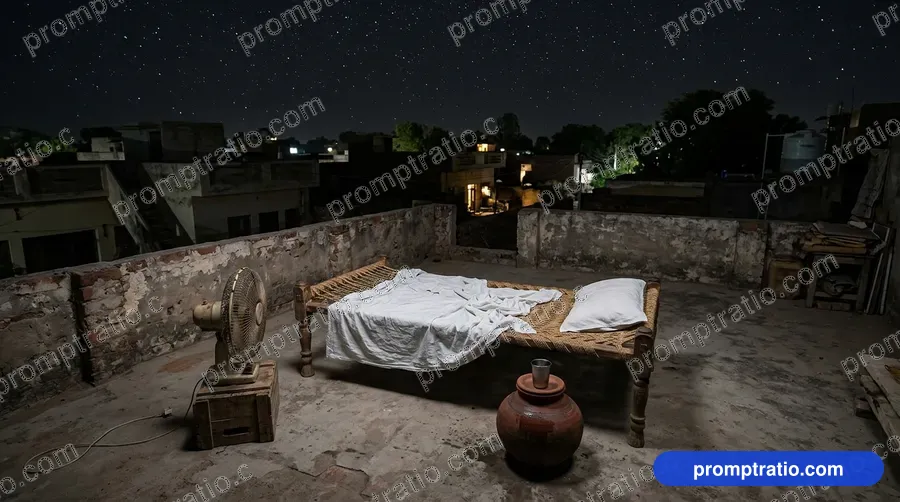 Sleeping Under the Stars 16:9
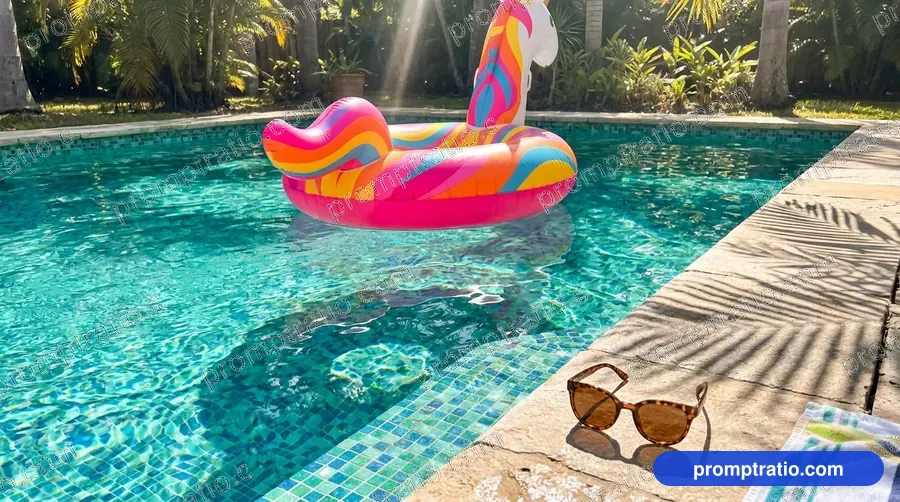 Pool Day 16:9
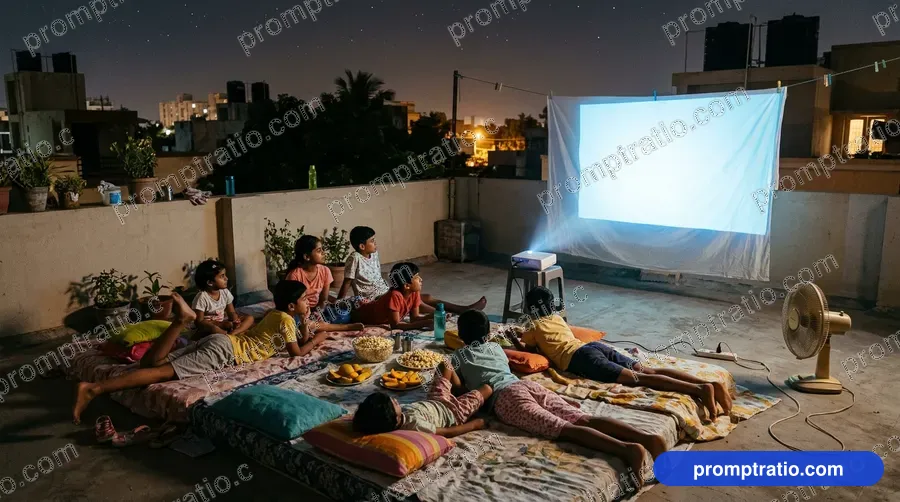 Terrace Movie Night 16:9
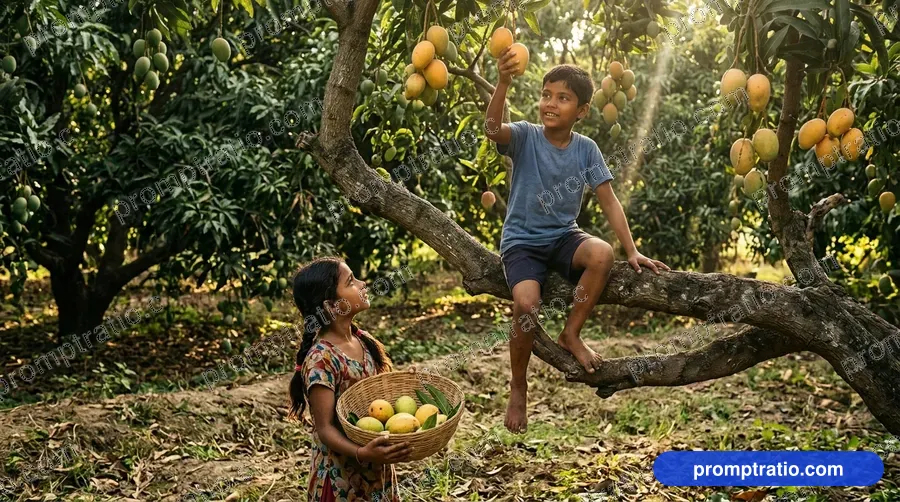 Kids in a Mango Orchard 16:9
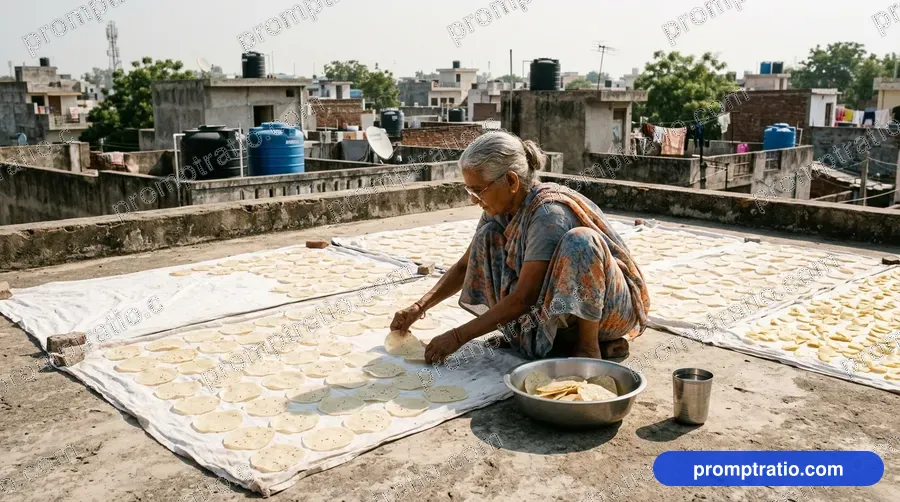 Drying Papads on the Terrace 16:9
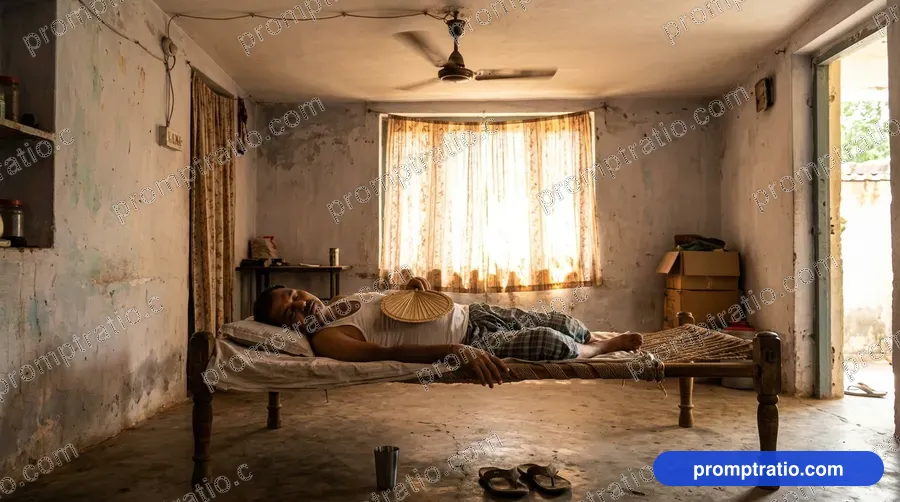 Summer Afternoon Nap 16:9