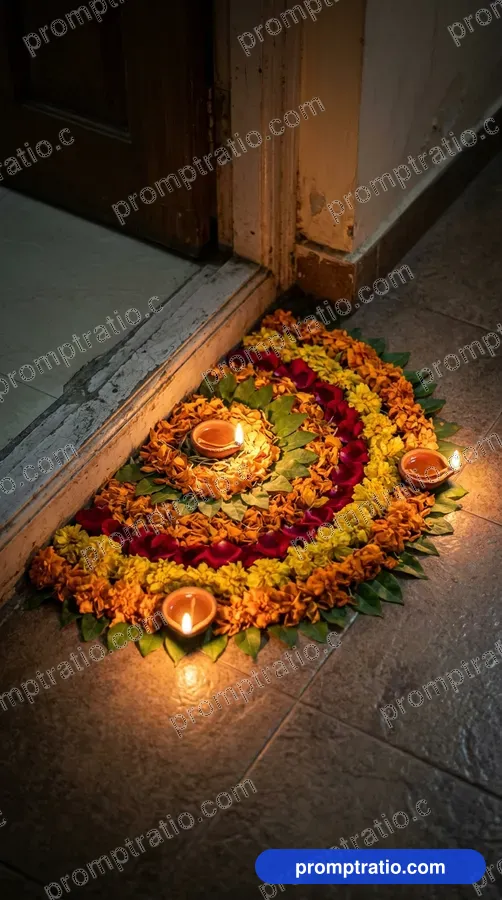
Rangoli with Diya Border 3:2
 1:1
Making Rangoli with a Stencil
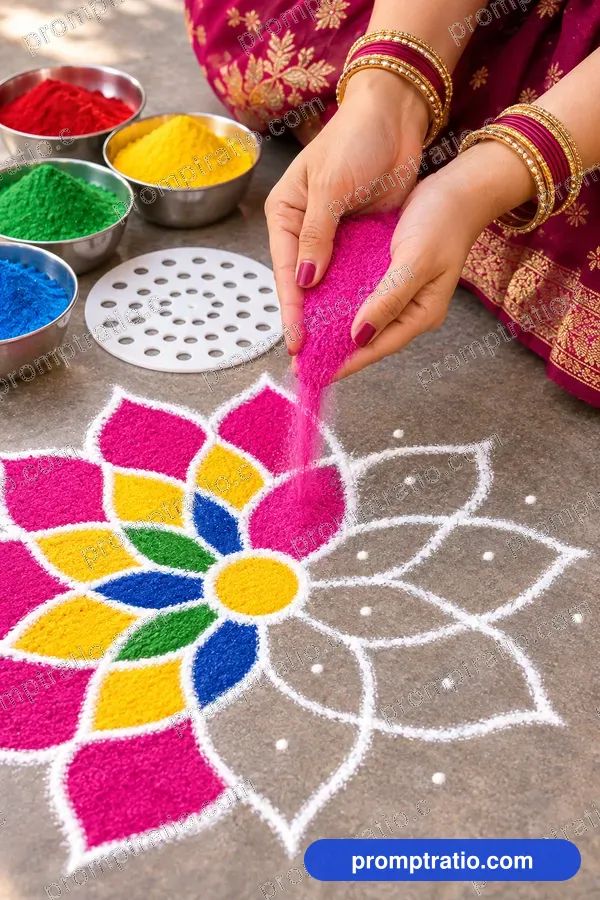
Hands filling a stencil rangoli with coloured powder.
Platform
Aspect ratio
Prompt for IG Square (1080 × 1080)
Tested on ChatGPTClose-up of a woman's hands pouring bright pink rangoli powder through her fingers into a flower pattern on the floor, a plastic dot stencil and small bowls of red, yellow, green and blue powder beside her, half the design finished, soft daylight. Compose as square 1:1 for IG Square, with the main subject fully inside the frame and safe margin on every side.
Paste into ChatGPT. If the size is not exact, finish it in the crop tool.
Did this prompt work for you?
Tried in:
Be the first to tell others how it went
Live Crop Preview
How this image crops in each format. If a crop loses the subject, generate that ratio from the prompt above.
Crop this picture exactly, at full size, in the Crop ToolMake it with your own photo
Put yourself in this picture. Your photo goes straight to ChatGPT or Gemini; it is never uploaded to PromptRatio.
- Open ChatGPT (chatgpt.com) or Gemini (gemini.google.com). Both work on a free account.
- Click + and attach one clear photo of your face: facing the camera, good light, nothing covering the face.
- Copy the prompt below, paste it in the same message and send.
- Not quite you? Reply “Keep my face exactly as in my photo” and ask again.
Use the person in my attached photo as the main person in this image. Keep their face, skin tone, hair and age exactly the same, so they are clearly recognisable. Ignore any description of the person's looks below. Close-up of a woman's hands pouring bright pink rangoli powder through her fingers into a flower pattern on the floor, a plastic dot stencil and small bowls of red, yellow, green and blue powder beside her, half the design finished, soft daylight. Compose as square 1:1 for IG Square, with the main subject fully inside the frame and safe margin on every side.
Use only your own photo, or one you have the person’s permission for. Do not use photos of children, celebrities or anyone who has not agreed.
Style Notes
- Style
- Behind the scenes
- Lighting
- Soft daylight
- Mood
- Creative, easy
- Use case
- Tutorials, reels covers
How to use this prompt
- 1Pick your platform or ratio at the top. The prompt rewrites itself for that size.
- 2Press Copy Prompt, open ChatGPT and paste it. For this picture’s shape, ask for a 2:3 image in the same message.
- 3Want yourself in it? Upload a clear photo of your face with the prompt. The own-photo guide has the exact words to add.
- 4Generate two or three times and keep the best. For an exact Pinterest size, finish it in the Crop Tool.
Questions
Is this prompt free?
Yes. Copying the prompt is free for everyone. Signed-in visitors can also download the full-size image without a watermark, 10 images a day.
Will I get exactly this image?
Close, not identical. AI tools make a new picture every time, so the style, light and mood will match while faces and small details change. Run it a few times and pick the one you like.
Does it work outside ChatGPT?
It was tested on ChatGPT. It also works in Google Flow and most other image tools, though results vary from tool to tool.
Which platforms is this size good for?
It was made in 2:3 (tall), which suits Pinterest, Instagram, Reels. For any other size, choose it with the buttons at the top; the prompt and the crop preview change with it.
Can I use the image for my business?
What you make belongs under the rules of the AI tool you used, so check its terms first. Read our disclaimer before using images for ads or products.