Attic Bedroom 9:16
 1:1
Small Entryway Corner
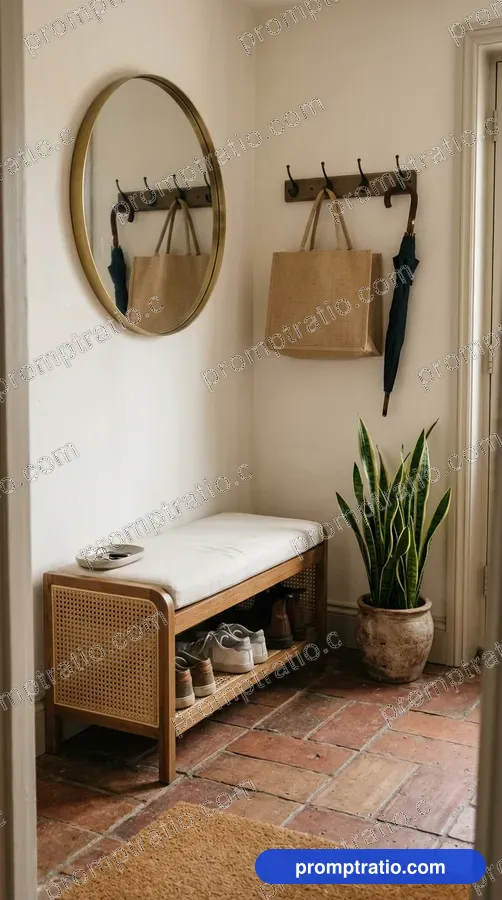
A tidy entryway with a bench.
Platform
Aspect ratio
Prompt for IG Square (1080 × 1080)
Tested on Google FlowA small home entryway with a cane shoe bench, a round brass mirror, hooks holding a jute bag and an umbrella, a potted snake plant and a terracotta tile floor. No text. Compose as square 1:1 for IG Square, with the main subject fully inside the frame and safe margin on every side.
Paste into Google Flow and pick the closest ratio in its settings. Finish exact sizes in the crop tool.
Did this prompt work for you?
Tried in:
Be the first to tell others how it went
Live Crop Preview
How this image crops in each format. If a crop loses the subject, generate that ratio from the prompt above.
Crop this picture exactly, at full size, in the Crop ToolAbout this prompt
We made the picture above with this prompt on Google Flow. It has an interior photo style, soft daylight and a neat, welcoming mood, and it sits in the Interiors collection.
The frame is 9:16 (tall), and our original measures 768 × 1376 pixels. That shape is an exact fit for Instagram Reels and phone wallpapers; Pinterest pins take it with a small crop. It was made with pins in mind.
- Style
- Interior photo
- Lighting
- Soft daylight
- Mood
- Neat, welcoming
- Use case
- Pins
Made for:Pinterest Pins
Make this prompt your own
- Subject
- The opening words, “A small home entryway with a cane shoe bench”, are the subject. Swap in your own subject and keep the rest to get a new picture in the same look.
- Light
- The prompt does not ask for a particular light, and the picture came out with soft daylight. To steer it, add a few words at the end, such as “golden hour” or “grey rain light”.
- Rules
- The last words, “No text”, stop the tool from writing on the picture. That leaves clean space for your own title.
Same theme, another look
In other light: Rainy Day Reading Nook With Tea (rainy window light), Window Reading Nook (soft rain light) and Home Music Room (warm lamp light).
In another style: Home Office (interior design).
How to use this prompt
- 1Pick your platform or ratio at the top. The prompt rewrites itself for that size.
- 2Press Copy Prompt, open Google Flow and paste it. For this picture’s shape, pick 9:16 in its settings before you send.
- 3Make it yours: change the colours, place or product in the prompt’s words before you send it.
- 4Generate two or three times and keep the best. For an exact Reels size, finish it in the Crop Tool.
Questions
Is this prompt free?
Yes. Copying the prompt is free for everyone. Signed-in visitors can also download the full-size image without a watermark, 10 images a day.
Will I get exactly this image?
Close, not identical. AI tools make a new picture every time, so the style, light and mood will match while faces and small details change. Run it a few times and pick the one you like.
Does it work outside Google Flow?
It was tested on Google Flow. It also works in ChatGPT and most other image tools, though results vary from tool to tool.
Which platforms is this size good for?
It was made in 9:16 (vertical), which suits Reels, Pinterest, Mobile Wallpaper. For any other size, choose it with the buttons at the top; the prompt and the crop preview change with it.
Can I use the image for my business?
What you make belongs under the rules of the AI tool you used, so check its terms first. Read our disclaimer before using images for ads or products.
Related Interiors Prompts
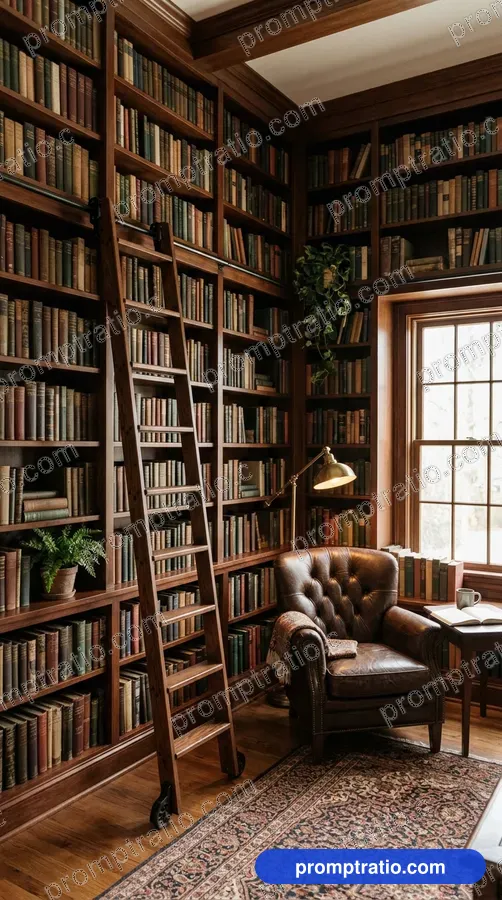
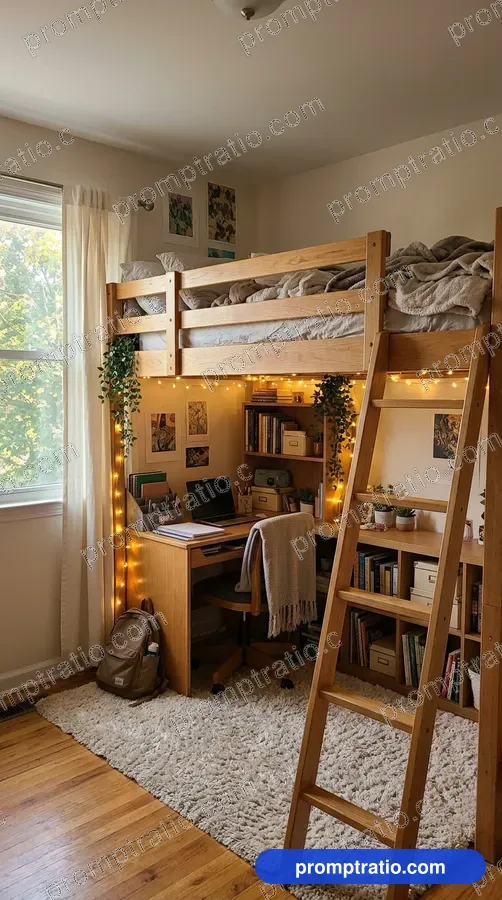
Attic Bedroom 9:16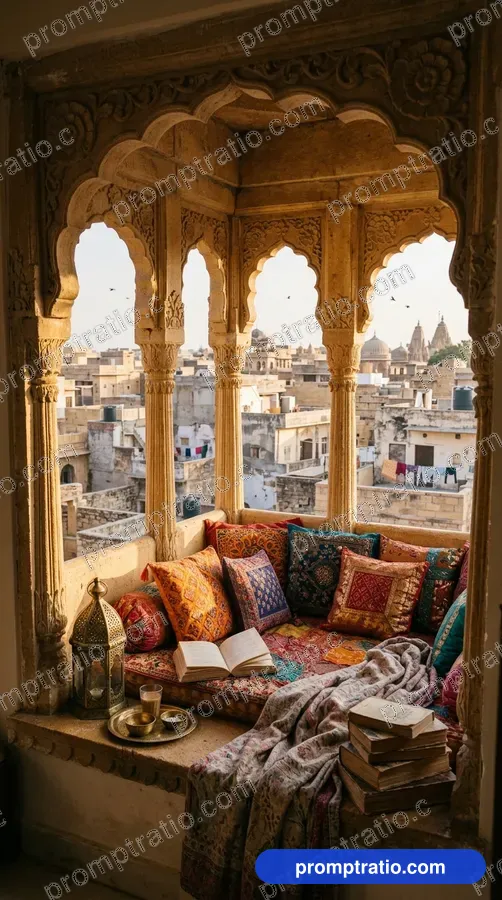 Window Seat Reading Corner 9:16
 Modern Pooja Corner 9:16
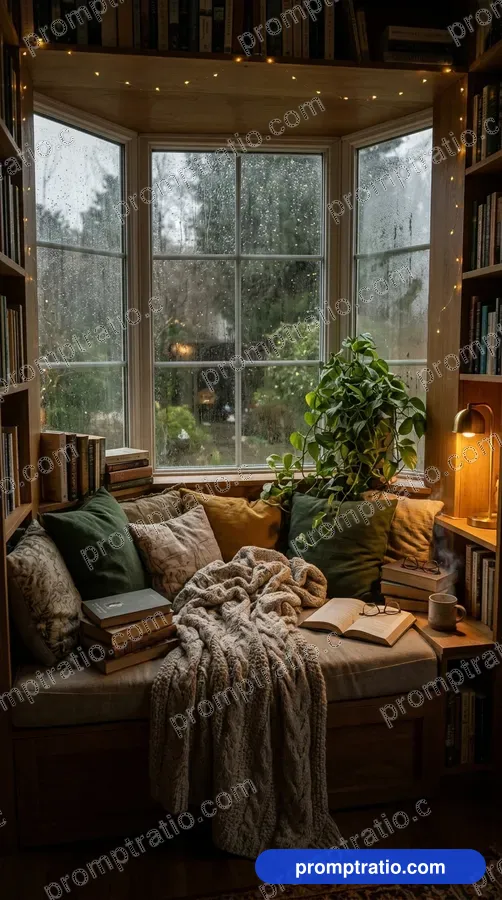 Window Reading Nook 9:16
 Kids Room 1:1
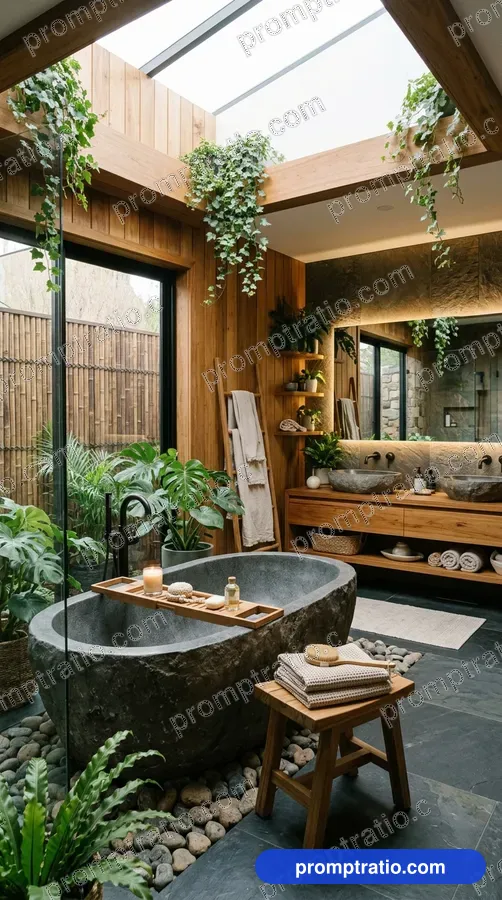
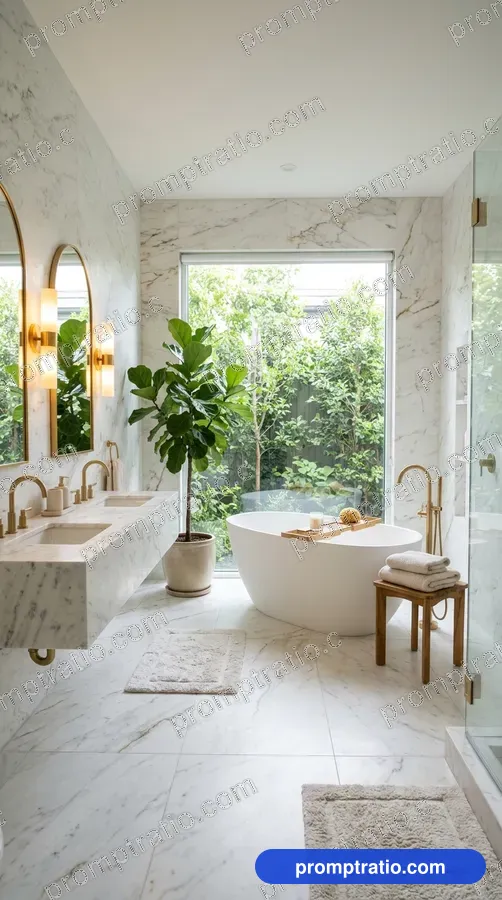 Luxury Bathroom 9:16
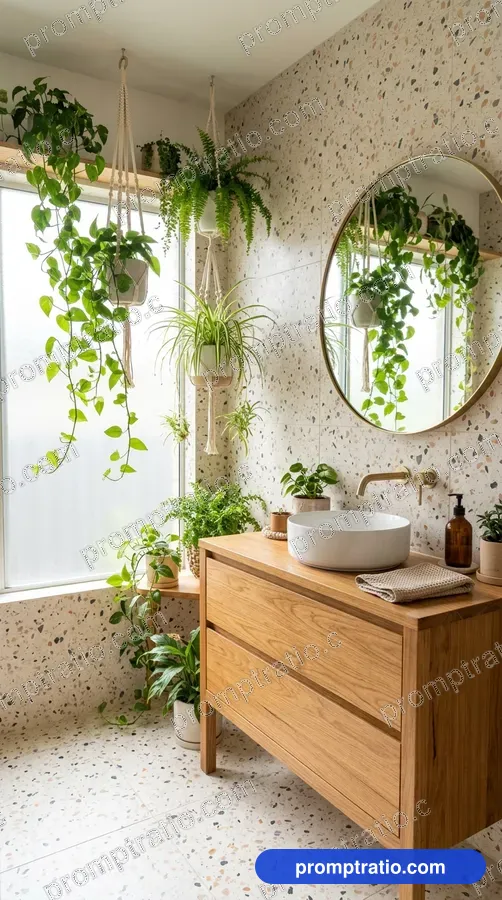 Terrazzo Bathroom with Plants 9:16
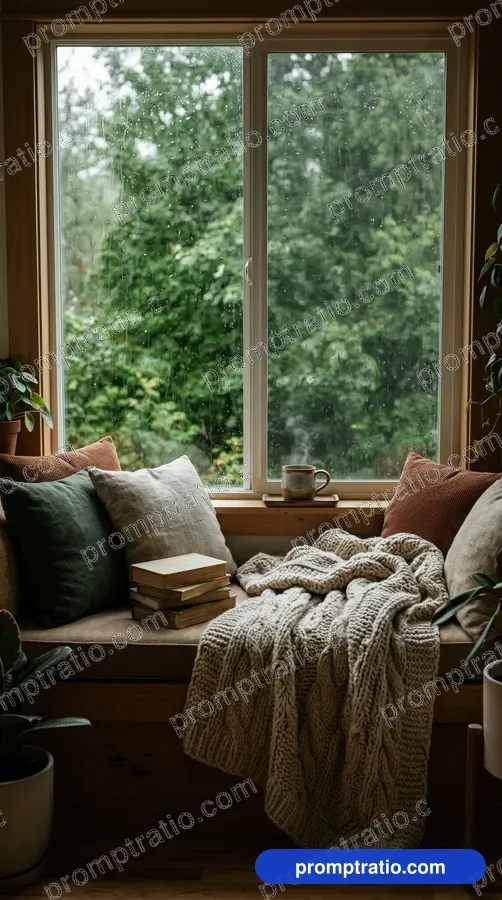 Rainy Window Seat 9:16
 Rainy Day Reading Nook With Tea 9:16
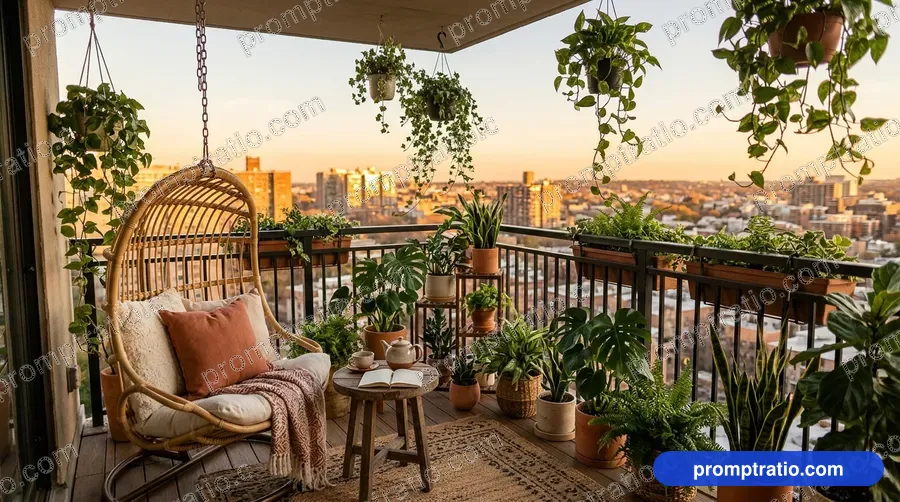
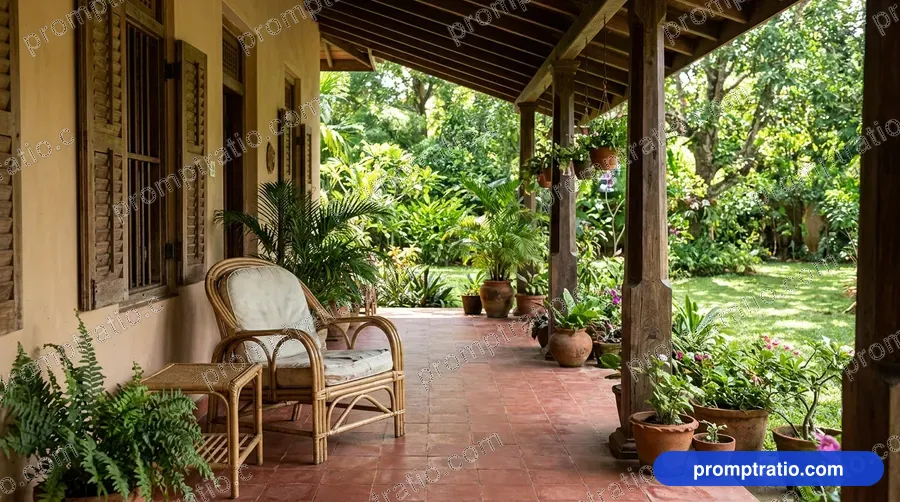 Terracotta Veranda 16:9