Indo-Western Look 9:16
 1:1
Denim and Bicycle
A denim look with a bicycle.
Platform
Aspect ratio
Prompt for IG Square (1080 × 1080)
Tested on Google FlowA vertical fashion photo of a young woman in a plain denim jacket and white trousers walking a bicycle down a sunny street lined with trees, a basket of flowers on the front. No text. Compose as square 1:1 for IG Square, with the main subject fully inside the frame and safe margin on every side.
Paste into Google Flow and pick the closest ratio in its settings. Finish exact sizes in the crop tool.
Did this prompt work for you?
Tried in:
Be the first to tell others how it went
Live Crop Preview
How this image crops in each format. If a crop loses the subject, generate that ratio from the prompt above.
Crop this picture exactly, at full size, in the Crop ToolMake it with your own photo
Put yourself in this picture. Your photo goes straight to ChatGPT or Gemini; it is never uploaded to PromptRatio.
- Open ChatGPT (chatgpt.com) or Gemini (gemini.google.com). Both work on a free account.
- Click + and attach one clear photo of your face: facing the camera, good light, nothing covering the face.
- Copy the prompt below, paste it in the same message and send.
- Not quite you? Reply “Keep my face exactly as in my photo” and ask again.
Use the person in my attached photo as the main person in this image. Keep their face, skin tone, hair and age exactly the same, so they are clearly recognisable. Ignore any description of the person's looks below. A vertical fashion photo of a young woman in a plain denim jacket and white trousers walking a bicycle down a sunny street lined with trees, a basket of flowers on the front. No text. Compose as square 1:1 for IG Square, with the main subject fully inside the frame and safe margin on every side.
Use only your own photo, or one you have the person’s permission for. Do not use photos of children, celebrities or anyone who has not agreed.
About this prompt
We made the picture above with this prompt on Google Flow. It has a fashion photo style, bright daylight and an easy, fresh mood, and it sits in the Fashion collection.
The frame is 9:16 (tall), and our original measures 768 × 1376 pixels. That shape is an exact fit for Instagram Reels and phone wallpapers; Pinterest pins take it with a small crop. It was made with posts in mind.
- Style
- Fashion photo
- Lighting
- Bright daylight
- Mood
- Easy, fresh
- Use case
- Posts
Make this prompt your own
- Light
- The light comes from the scene itself; our notes call it bright daylight. To change it, add a few words at the end, such as “golden hour” or “warm light”.
- Rules
- “No text” at the end keeps stray letters out of the picture. Keep it, then put a title on top yourself if you need one.
Same theme, another look
In other light: Man in an Angarkha in the Dunes (golden evening light), Tie-Dye Saree in the Wind (soft daylight) and Silk Saree Editorial (warm light).
In another style: Embroidered Juttis (product photo), Handbag Product Shot (product fashion) and Denim Outfit Flat Lay (flat lay photo).
How to change this prompt
Worked examples: one part of this prompt as it is, then rewritten. Paste the new words in place of the old ones, or copy the whole prompt with the change already made.
Add a light
Now: A vertical fashion photo of a young woman in a plain denim jacket and white trousers walking a bicycle down a sunny street lined with trees
Try: A vertical fashion photo of a young woman in a plain denim jacket and white trousers walking a bicycle down a sunny street lined with trees, golden hour
The prompt names no light of its own, so adding “golden hour” after the opening words steers the picture away from the bright daylight it came out with.
Try another style
Now: A vertical fashion photo of a young woman in a plain denim jacket and white trousers walking a bicycle down a sunny street lined with trees
Try: A vertical fashion photo of a young woman in a plain denim jacket and white trousers walking a bicycle down a sunny street lined with trees, in a jewellery shoot style
This turns the fashion photo look into jewellery shoot, a style other prompts in this collection use; the rest of the words stay.
Change a colour
Now: A vertical fashion photo of a young woman in a plain denim jacket and white trousers walking a bicycle down a sunny street lined with trees
Try: A vertical fashion photo of a young woman in a plain denim jacket and soft black trousers walking a bicycle down a sunny street lined with trees
Trading “white” for “soft black” gives a new colour scheme without touching the layout.
Which model gives what
“Denim and Bicycle” was made on Google Flow, which returned this 9:16 frame at 768 × 1376 pixels. All 69 prompts in Fashion were made on Google Flow.
In our gallery ChatGPT pictures come in 1:1 at 1254 × 1254, 3:2 at 1536 × 1024 and 2:3 at 1024 × 1536, and none of them are 9:16. Run this prompt there and expect the nearest of those shapes, then crop it back to 9:16.
How to use this prompt
- 1Pick your platform or ratio at the top. The prompt rewrites itself for that size.
- 2Press Copy Prompt, open Google Flow and paste it. For this picture’s shape, pick 9:16 in its settings before you send.
- 3Want yourself in it? Upload a clear photo of your face with the prompt. The own-photo guide has the exact words to add.
- 4Generate two or three times and keep the best. For an exact Reels size, finish it in the Crop Tool.
Questions
Is this prompt free?
Yes. Copying the prompt is free for everyone. Signed-in visitors can also download the full-size image without a watermark, 10 images a day.
Will I get exactly this image?
Close, not identical. AI tools make a new picture every time, so the style, light and mood will match while faces and small details change. Run it a few times and pick the one you like.
Does it work outside Google Flow?
It was tested on Google Flow. It also works in ChatGPT and most other image tools, though results vary from tool to tool.
Which platforms is this size good for?
It was made in 9:16 (vertical), which suits Reels, Pinterest, Mobile Wallpaper. For any other size, choose it with the buttons at the top; the prompt and the crop preview change with it.
Can I use the image for my business?
What you make belongs under the rules of the AI tool you used, so check its terms first. Read our disclaimer before using images for ads or products.
Related Fashion Prompts
Indo-Western Look 9:16 Winter Coat Look 9:16
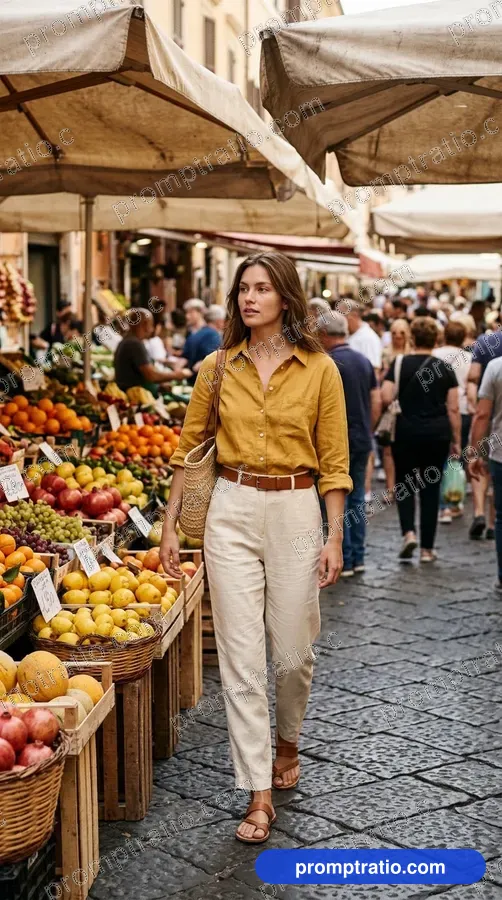 Linen Colour Blocks 9:16
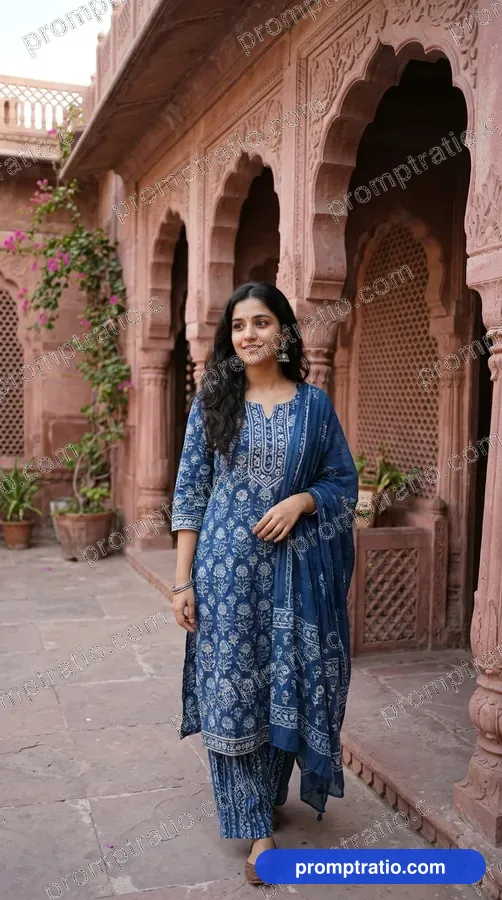 Block Print Kurta Look 9:16
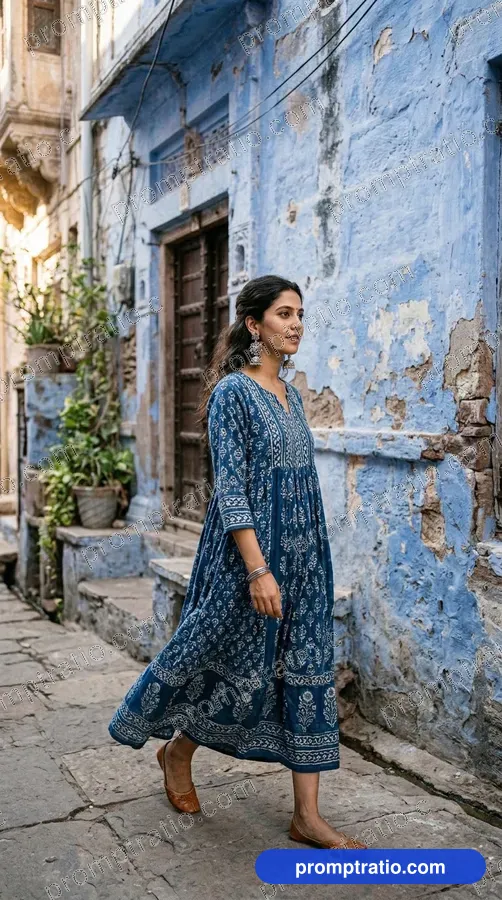 Indigo Block Print Look 9:16
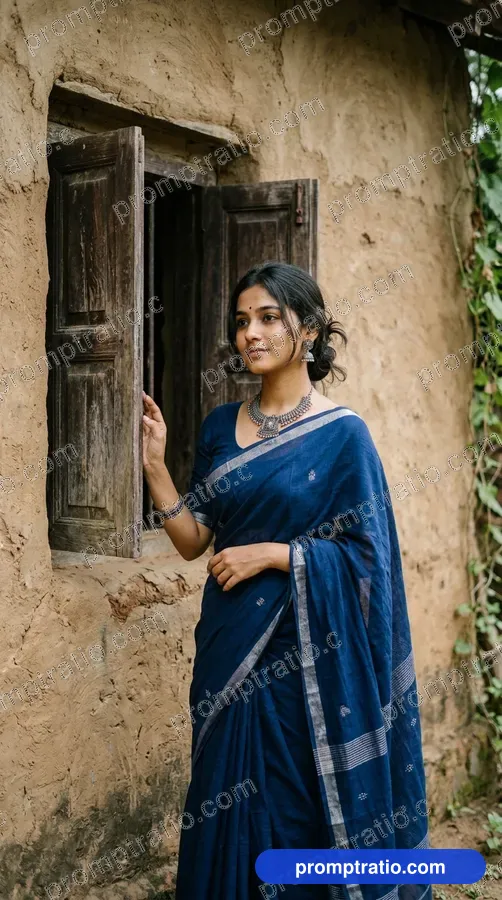 Handloom Saree Look 9:16
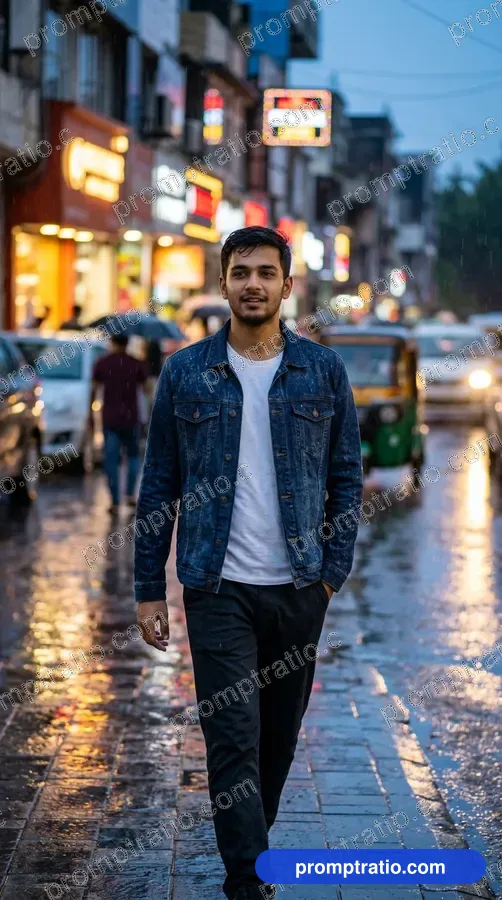 Denim Jacket in the Rain 9:16
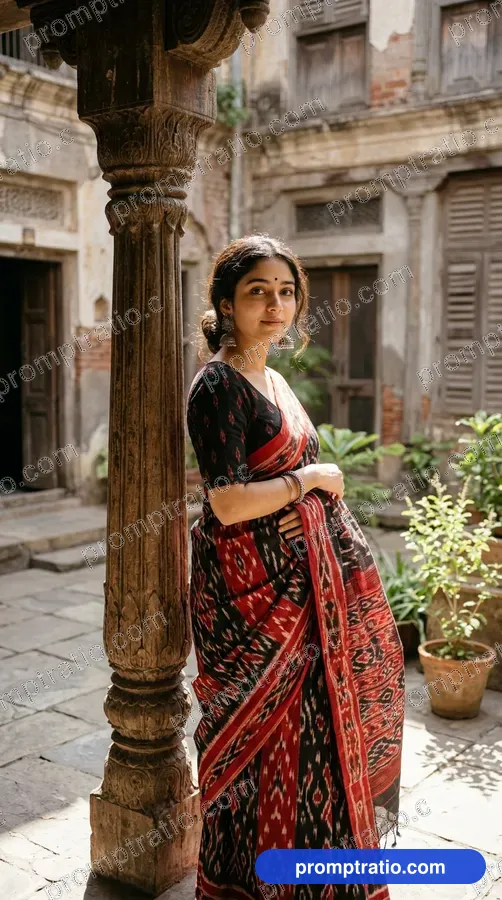 Ikat Saree in a Courtyard 9:16
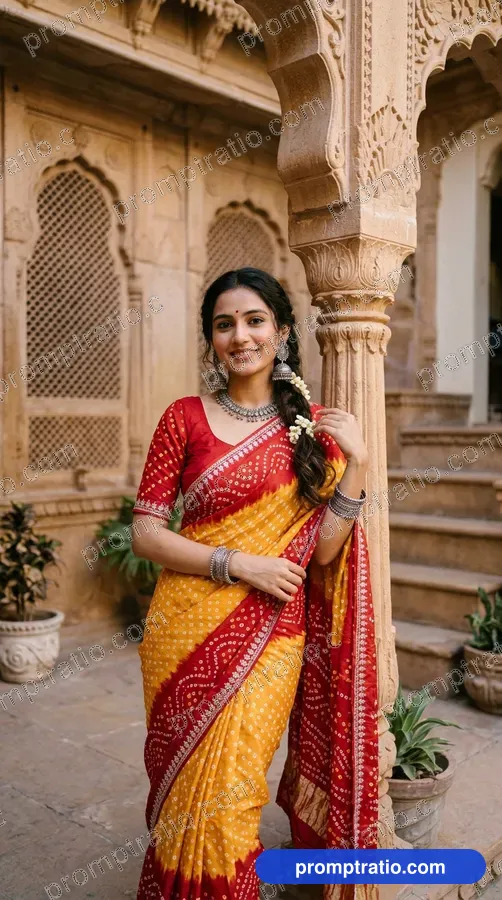 Bandhani Saree Look 9:16
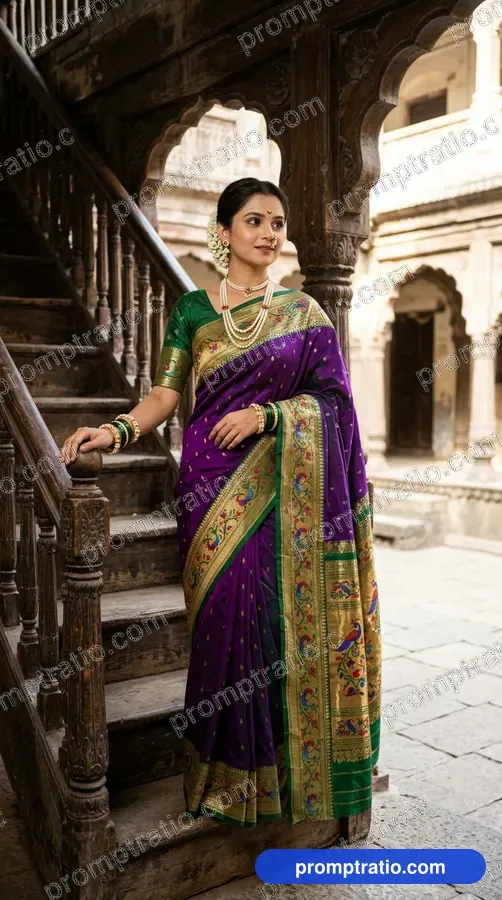 Paithani Saree on Old Wada Stairs 9:16
 Saree in Motion 9:16
 Banarasi Lehenga on the Ghats 9:16